
The Short Version
Every booking channel you have ever used produces errors. A tired team member on a Friday afternoon books a ninety-minute procedure into a thirty-minute gap. A patient writes down the wrong day. Automation does not remove errors; it changes their shape and makes them consistent, which is an improvement, because a consistent error can be found and fixed once.
The question is not whether something will eventually be booked wrong. It is whether your practice has decided, in advance, who notices, who fixes it, and who changes the rule so it does not recur.
Practices that answer that before launch treat the occasional wrong booking as routine maintenance. Practices that have not answered it treat the first one as evidence the whole thing was a mistake.
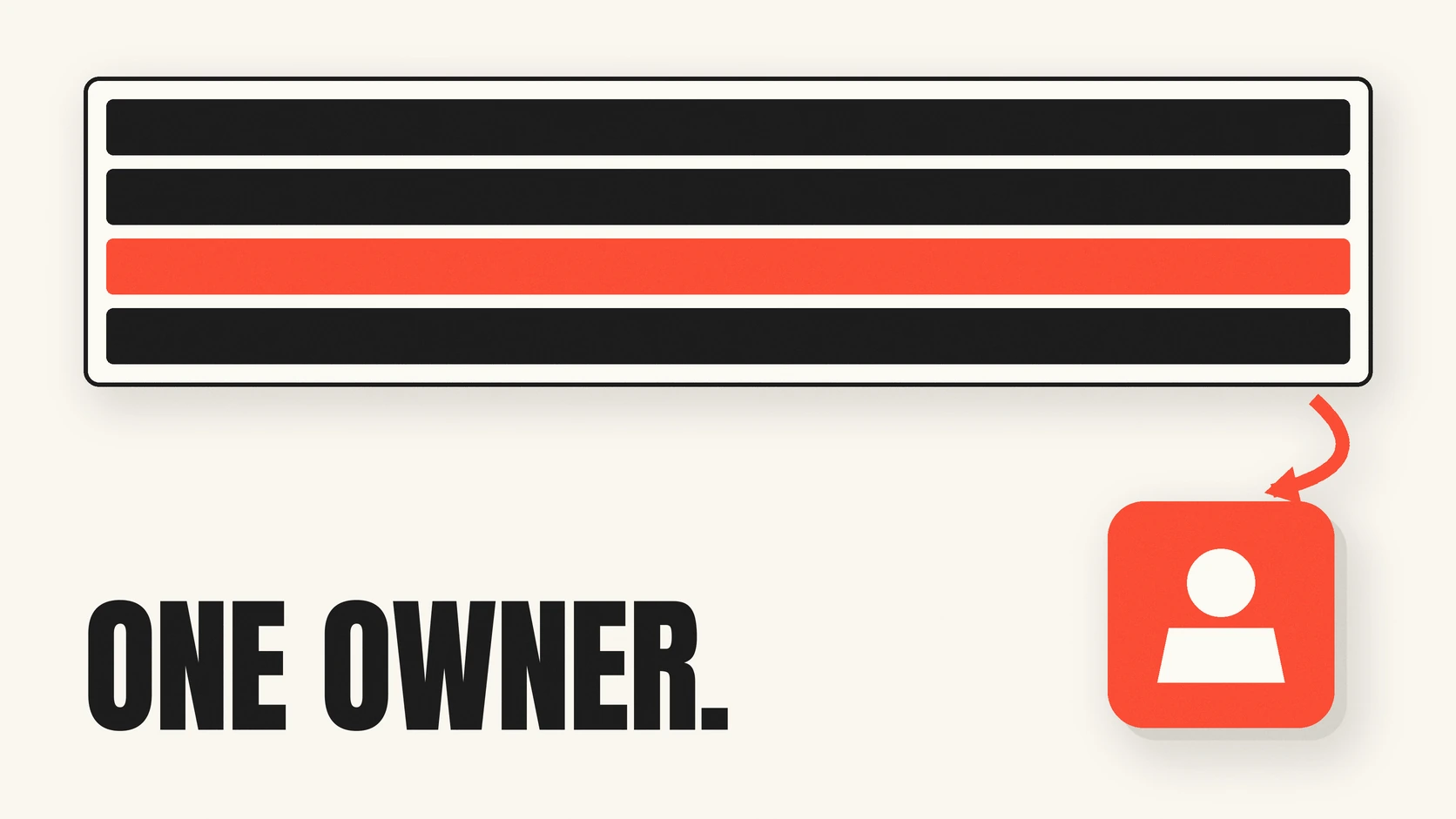
The Schedule Still Has One Owner
Name them. Usually the scheduling coordinator or practice manager.
This sounds obvious and it is the most commonly skipped step. When a booking channel is automated, ownership quietly disperses — the front desk assumes the system has it, the system did exactly what it was configured to do, and the vendor was never in a position to know your intent. Nobody is negligent and the error sits there for three days.
The owner’s job is not to check every appointment. It is to be the person to whom a wrong booking is reported, and the person with authority to change a rule. Those two things must sit with the same person or the loop never closes.
Three Kinds of Wrong, and Only One Is a Fault
Sorting an error correctly is most of the work, because the three kinds need completely different responses.
A rule that was written wrong. The system booked a hygiene appointment into a slot your team considers protected — and the block-out was never configured, or was configured as the wrong type. The system did what it was told. This is the most common category by a wide margin, and the fix is a configuration change, not a complaint.
A rule that was never written at all. A caller asked for something nobody anticipated, and the system made a reasonable choice that happens to be wrong for your practice. Also not a fault. This is how the rule set matures, and it is why the first few weeks of transcripts are worth actual attention.
A genuine mistake. The system misheard, misidentified a caller, or booked against a rule that was configured correctly. This is the real category, and it is the smallest. It should be raised with your vendor with the call reference attached, and you should expect a specific answer about what happened rather than a general reassurance.
The reason to sort every incident into one of these three is that the first two are fixed by you in an afternoon, and only the third needs anybody else.
The Review Cadence
Weekly at first, monthly once it is boring. Thirty minutes, one owner, three things.
Escalations. Every call the system handed to a human. Read the ones that were escalated and should not have been, and — more importantly — look for the pattern in what is being escalated. A system that escalates a lot in week one is behaving correctly; it is telling you which rules are missing. If the same category escalates every week by month three, that is a rule waiting to be written.
Bookings that were changed afterwards. Pull appointments created by the AI that a human then moved, shortened, or cancelled within twenty-four hours. This is your highest-signal report and almost nobody runs it. Each one is a booking your team judged wrong, and the reason is usually a rule mismatch you can fix.
Calls that ended without an outcome. Not every call should book. But a cluster of calls ending with nothing — no booking, no message, no escalation — is a gap in what the system knows how to do.
Check all three in your practice management system, not only in a vendor dashboard. The dashboard reports what the vendor believes happened. Your schedule is what actually happened, and the gap between the two is the only number worth arguing about.
What Should Never Be Automated
A system that books cleanly almost all the time and hands you the rest is working correctly. One that never hands you anything is making decisions it should be escalating.
Decide the permanent human list before launch and keep it short:
- Anything clinical. A question about whether a symptom is serious is not a scheduling question.
- Post-operative visits and anything the dentist specifically sequenced.
- Appointments tied to a lab case.
- Treatment plan and account balance discussions.
- Any caller who fails your identity check and is asking about an existing appointment.
Write the escalation path for each, with a named destination. A list without destinations is a wish. We have set out how a good handoff actually works in how AI hands difficult calls to your team, and the boundaries themselves in what an AI receptionist should never say.
How Fast Can a Rule Change?
Ask this during evaluation, before you have any reason to care about the answer.
When you find a rule that is wrong on a Tuesday morning, what happens? Can your practice change it directly? Does it need a support ticket? Is the change live in minutes, or at the next configuration cycle?
This single question separates a system you operate from a system you file requests against. The gap between noticing and fixing is what determines whether a small misconfiguration is an afternoon’s annoyance or a fortnight of repeated wrong bookings.
Ask the same of the transcript. Every call should produce a transcript and a summary you can open, because the first thing you will want when a patient disputes what they were told is the recording of what they were actually told. GetHelpdesk.AI returns a transcript and summary for every call, held under role-based access and visible to your own authorised staff, which means an incident review takes minutes rather than a request to somebody else.
Telling Patients
If a booking is wrong, the patient does not care which of the three categories it fell into.
Decide now who calls them, how quickly, and what is offered. The practices that handle this best do not mention the mechanism at all — the patient is told there was a scheduling error, offered the earliest suitable time, and that is the end of it. Explaining that an automated system made the error invites a conversation about the system rather than about the appointment, and patients read it as the practice declining responsibility for its own schedule.
Which, in fairness, it would be. The schedule is yours. That is the whole point of naming an owner.
Key Takeaways
- Name one person who owns the schedule and has authority to change a rule. Those cannot be two different people.
- Sort every incident into rule written wrong, rule never written, or genuine mistake. Only the third needs your vendor.
- Review weekly at first: escalations, AI bookings a human changed within a day, and calls that ended with no outcome.
- Run those reports against your practice management system, not only the vendor dashboard.
- Keep a short permanent do-not-automate list, each item with a named escalation destination.
- Ask during evaluation how fast you can change a rule yourself. It matters more than almost any feature.
- When a patient is affected, fix the appointment and own it. Do not explain the mechanism.
Frequently Asked Questions
How many errors should we expect? Fewer as the rules mature, and the shape matters more than the count. A handful of rule gaps in the first fortnight is normal and is the system doing its job. The same error recurring in month three means nobody closed the loop.
Should we tell our team the AI made the mistake? Tell them what happened and what changed as a result. The thing to avoid is a culture where the automated channel is blamed generally rather than a specific rule being fixed specifically — that is how practices end up with a system nobody trusts and nobody has improved.
What if our vendor disputes that an error occurred? This is why you want transcripts you can open yourself and a report you can run in your own practice management system. Evidence you hold turns the conversation into a factual one.
Does this change for a multi-location group? The owner becomes a named person per location, with one person above them watching for patterns that repeat across sites. A rule gap at one location is usually a rule gap at all of them. More on that in what a multi-location group should require.
Decide This Before You Need It
Thirty minutes spent deciding who owns the schedule, what gets reviewed weekly, and what never gets automated will save you the far longer conversation that follows the first wrong booking.
If you want to see what the transcripts and reports look like in practice, see how GetHelpdesk works with your practice management system. Related reading: auditing booking conversion and what to hand over before go-live.
Related Posts
Find Your Practice's Real Missed-Call Number
Most practices are guessing, and guessing low. Here is a one-week audit that uses your own phone logs and your own schedule to produce a number you can actually defend.
How AI Hands Difficult Calls to Your Team
The transfer is the part that breaks. Here is what has to be true for a handoff to work, what the vendors actually publish about theirs, and the failure nobody puts on a feature list.
AI Voice Agents for Dental Practices in 2026
What an AI voice agent actually is, how it differs from an IVR or a chatbot, and the three boundaries to write down before you turn one on.