

The Short Version
Most advice about AI phone answering for dental groups stops at the pilot. Choose a location, run it for a month, look at the numbers, decide whether to go wider. That advice is fine, and there is a whole piece on what changes at scale before you get that far.
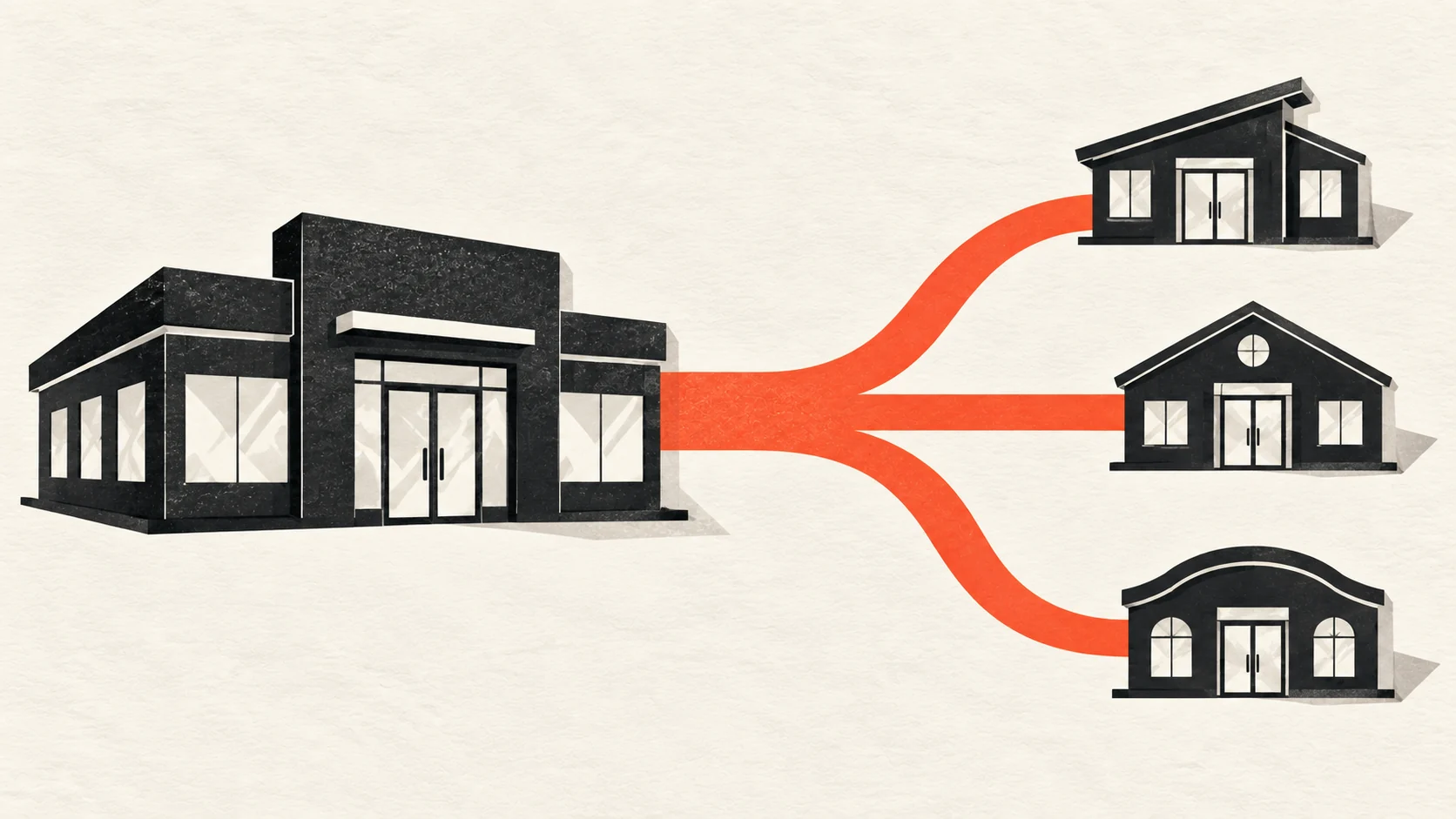
This is about what happens next, which almost nobody writes down: the pilot succeeded, leadership is happy, and now you have to do it eleven more times.
The mistake is treating that as the same project repeated. It is not. The pilot proved the product works. The rollout proves your group can hold a standard across offices that have spent years quietly diverging from each other. Those are different problems, and the second one is harder.
What the Pilot Actually Proved
A successful pilot at one location tells you three things. The system can answer your calls, book into your schedule, and your team will use it.
It does not tell you that the configuration transfers. The pilot office has particular hours, particular providers, a particular way of deciding what counts as an emergency, and a scheduling coordinator who has been there nine years and knows which rules are real. Everything the vendor set up was set up against that office.
Nor does it tell you the result transfers. If you picked your most enthusiastic location, which most groups do and which is reasonable, you measured adoption under the best conditions available to you. The number you take to the board is a ceiling, not an average.
The practical response is not to distrust the pilot. It is to treat it as one data point and design the second wave to produce a different one.
Choose the Second Office to Disagree With the First
The instinct is to go next to whichever location is keenest. Resist it for one wave.
Pick a location that differs from the pilot in a way you expect to cause trouble. Different opening hours. A case mix the first office does not handle. A front desk of one rather than three. A location where the emergency protocol has never been written down. Somewhere with a longstanding manager who did not ask for this.
You are trying to find the places where the pilot setup breaks, and you want to find them at office two, while you still have attention and support budget, rather than at office nine when the rollout is meant to be routine.
Groups that run their easiest three locations first and their difficult ones last consistently discover that the difficult ones were not difficult. They were simply different in ways nobody had documented, and by then the rollout has no slack left in it.
Decide What Is Central and What Is Local
This is the decision the whole rollout rests on, and it should be made once, in writing, before setup starts anywhere.
Some things should be identical across the group, because inconsistency is the problem you are solving:
- What a caller hears in the first ten seconds. Greeting, practice naming convention, tone.
- The identity bar. What a caller must confirm before hearing anything about an existing appointment.
- What is never discussed on the phone. Clinical findings, treatment plans, balances.
- What happens when a caller asks for a person. A group that transfers at one office and takes a message at another has two patient experiences.
- What gets reported and how it is counted. Otherwise you cannot compare locations at all.
Some things must stay local, because forcing them central makes the system wrong:
- Opening hours, provider hours and the half-days.
- Appointment types and their real durations, which vary more between offices than most groups expect.
- The emergency route. Who is on call, what number, and what the caller is told.
- Which procedures happen at that location at all.
Write both lists down before anybody sets anything up. The failure mode is not choosing wrong. It is never deciding, so each office negotiates its own version and you end up with twelve bespoke setups and no standard.
Name Who Decides, Before You Need Them To
Rollouts stall on approvals nobody owns. Three questions are worth settling in advance.
Who approves a change to the central rules? If an office manager wants the greeting changed, who says yes, and does that change apply everywhere or only there?
Who owns the scheduling rules at each location? One named person per office, usually the scheduling coordinator or practice manager. Not the regional manager, who cannot know which blocks are real.
Who is called when it is wrong? Something will eventually be booked incorrectly. Deciding the answer in advance is a separate piece of work, covered in who is accountable when the AI books it wrong, and it is much easier to settle before the rollout than during it.
Roll Out in Cohorts, Not All at Once
Deploying everywhere on one date is appealing because it looks decisive and it ends the project faster. It also means every problem surfaces simultaneously, in twelve places, to a support arrangement sized for one.
Cohorts of three or four locations work better. Each wave gets real attention, and each wave makes the next one cheaper because the questions repeat.
Two scheduling details are worth protecting. Do not go live on a Monday, which is the heaviest phone day at most practices and the worst possible moment to introduce anything new. And do not go live during a recall push, a hygiene drive, or the week a location is short-staffed for holidays. A stressed schedule turns small friction into a visible dip, and a visible dip at office four is how a rollout loses its mandate.
Give Each Office a Named Champion
The strongest predictor of whether a location adopts something is whether somebody at that location owns it.
A regional manager cannot coach every front desk through the first fortnight. A champion at each site can, if they are trained before go-live rather than during it, and if their job is explicitly defined: answer the team’s questions in the first two weeks, collect what is not working, and be the one who raises a change request.
This is also how you prevent the quiet failure mode, where an office technically has the system live and has informally gone back to its old habits because nobody asked.
Prepare for the Handover Work to Repeat
Every location needs its own version of the same pack: scheduling rules, emergency protocol, identity policy, routing decision. There is a full handover checklist worth working through per site.
The group-level realisation is usually uncomfortable. When you collect these packs across twelve offices, you find out how differently your locations have been operating. Different emergency thresholds. Different rules about who may move a child’s appointment. Different real durations for the same appointment type.
A location that joined the group by acquisition rather than by being built is the sharpest version of this, because it arrived with a whole set of habits nobody in the group chose. The practice that just changed hands covers that first ninety days.
That is not a rollout problem. It is a finding. The rollout is simply the first time anyone has had to compare the offices side by side, and the comparison is worth more than the software.
Reporting That Lets You Compare Locations
By the third cohort you need one view across every live office, or you are managing by anecdote.
The useful set is small: calls answered, calls that resulted in a booking, calls escalated to a person, and how those move week over week. Compared by location, not averaged across the group, because the average hides exactly the office you need to look at.
GetHelpdesk.AI routes calls per location for multi-location groups, and returns a transcript and summary for every call, which is what makes that comparison possible rather than theoretical. Groups are quoted on number of locations, with no per-minute billing, so a location taking long calls has no reason to discourage use.
If a location is behind, the transcripts usually say why within an afternoon. It is generally one wrong rule, not reluctance.
Key Takeaways
- A successful pilot proves the product works at one office. It does not prove the setup or the result transfers.
- Make office two the one you expect to be awkward, while you still have support capacity to absorb it.
- Decide centrally what must be identical across the group and what must stay local, in writing, before anyone sets anything up.
- Name who approves changes, who owns the rules at each site, and who is called when something is booked wrong.
- Go in cohorts of three or four. Avoid Mondays, and avoid any week a location is already under pressure.
- Give every location a named champion, trained before go-live rather than during it.
- Report by location rather than as a group average, or you will not see the office that needs help.
Frequently Asked Questions
How many locations should be in the pilot? One or two is enough to answer whether the product works. The more useful question is which second office tests the setup hardest, because that is what the rest of the rollout depends on.
Our locations run different practice management systems. Does that change the sequence? It changes what is possible at each site rather than the order you go in. Confirm what is supported for each system before you promise a location a date, and sequence so that offices sharing a system land in the same cohort where you can.
Can locations keep their own greeting and scripts? They can, and some variation is reasonable. The question is whether the variation was decided or inherited. Fix the short list of things that must be identical, and let the rest be local by choice rather than by drift.
What if one office refuses to engage? Usually the objection is specific and reasonable once you hear it, and it is often about escalation or about a scheduling rule the system was given wrongly. Read that location’s transcripts before treating it as a people problem.
How long should a whole group rollout take? It depends far more on how long it takes each office to produce its own rules than on the setup itself. A typical GetHelpdesk.AI go-live is five to seven days from kickoff per location, with guided setup and staff training included. The packs are the critical path.
Where to Start
Before you plan cohorts, do one thing. Ask three of your locations to write down their emergency protocol and their real appointment durations, separately, without conferring. Compare the answers.
If they match, your rollout is mostly a scheduling exercise. If they do not, you have just found the actual project, and it is better to find it now than at office nine.
When you are ready, talk to us about your group. Related reading: what changes for a multi-location group, rollout tips for a dental practice and what a dental group should require.
Related Posts

Phone Answering Requirements for Dental Groups
Six requirements a dental group or DSO should put in writing before evaluating phone answering, from one voice across offices to who owns the call records.

Buying a Dental Practice? Start With the Phones
Name the phone number in writing, move it early, agree one answer to "is my dentist still here" and count calls from week one of a practice transition.
AI Receptionists for Multi-Location DSOs
Start with your PMS estate: one shared instance, separate instances or mixed systems decides what an AI receptionist can do across your locations.