
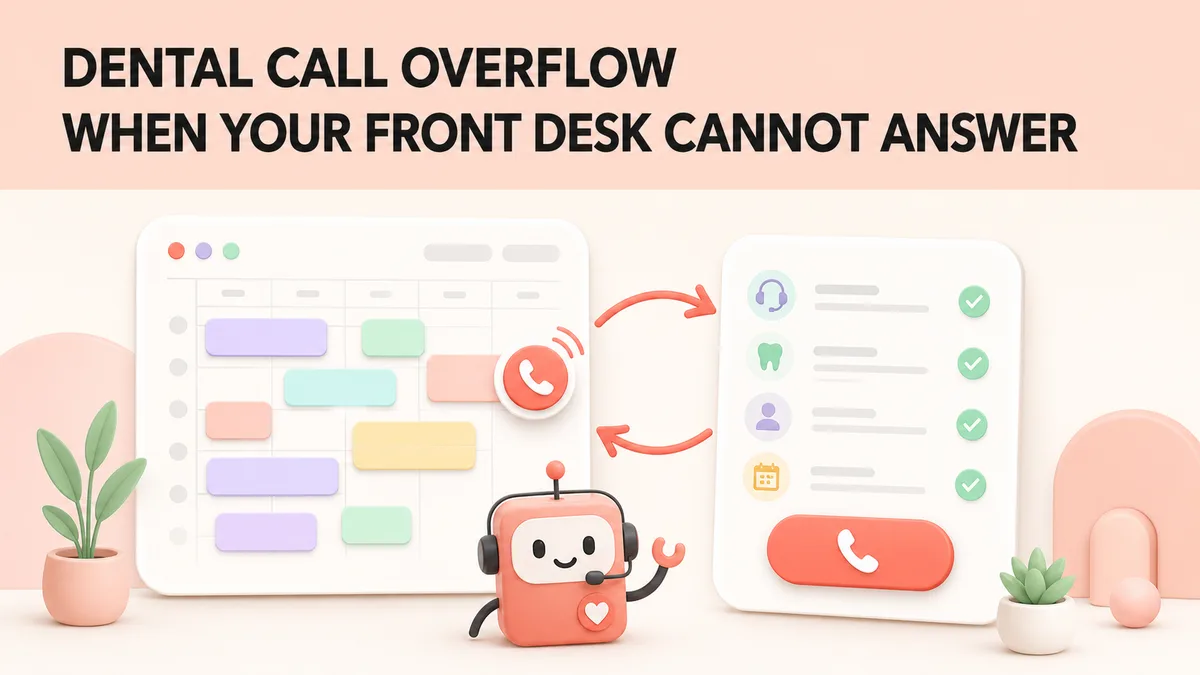
What Happens When Your Front Desk Cannot Answer?
A missed call can happen while the front desk is checking in a patient, taking a payment, helping someone at the desk, or speaking to another caller. Dental call overflow gives that caller a useful next step instead of a voicemail prompt or a long wait.
Overflow stops being an occasional event twice a year, when the plan year ends and then resets. The two busiest phone weeks of your year covers what those two waves ask for and why they are worth planning around in September rather than December.
The goal is not to automate every conversation. It is to set clear rules for routine calls and get the right information to staff when a person needs to take over.
What Dental Call Overflow Means
Call overflow is the backup route for unanswered calls. It can operate during busy hours, at lunch, before opening, after closing, or at any time your practice chooses. A good setup has three parts: a routing delay, approved call rules, and a clear owner for follow-up.
Simple definition: When the front desk cannot answer, the caller reaches a backup that can help with approved routine tasks or send a complete message to the right person.
If your current backup is a voicemail box, start with why practices are replacing voicemail — the cost of an unanswered call is usually larger than it looks. Not sure overflow is your bottleneck? Ten signs you need an AI answering service is the quicker diagnostic.
What Should Happen to an Overflow Call?
Use this five-step flow as the starting point for your own routing rules.
- Call comes in. The practice line rings for the number of seconds you set.
- Overflow picks up. The caller hears the practice name and a short explanation.
- Identify the need. Booking, rescheduling, a question, a callback, or an urgent concern.
- Follow the rule. Give an approved answer, book within a rule, or collect the message.
- Close the loop. Send the appointment, note, or alert to the person who owns the next step.
Every action should leave a clear record: what the caller wanted, what happened, and who follows up. For the calls that get past the flow entirely, winning back the call you already missed covers the recovery side.
Which Calls Can a Backup System Handle?
Decide this in writing. The table below separates routine work from calls that need staff judgment.
| Call type | What the system can do | What staff does | Rule |
|---|---|---|---|
| Hours, address, parking | Give the approved answer. | Keep the information current. | Routine |
| New-patient enquiry | Collect the reason for the visit and offer approved options. | Review the appointment or callback. | Routine |
| Reschedule request | Offer only the appointment types and slots your rules allow. | Check unusual changes or conflicts. | Rule-based |
| Insurance question | Collect plan details and explain that the team confirms benefits. | Confirm eligibility, estimates, and coverage. | Staff review |
| Caller asks for a person | Use the agreed transfer or callback path. | Take the call or return it within the promised window. | Handoff |
| Clinical, billing, or payment dispute | Record the issue without giving advice or making a promise. | Respond using the practice process. | Staff only |
| Urgent or emergency concern | Use the practice-approved emergency script and escalation route. | Take over if the route calls for it. | Staff only |
The Four Rules to Set Before You Switch It On
01. Coverage rule
Set when overflow starts. Test it during a busy hour, not only when the office is quiet.
02. Booking rule
List which appointment types can be offered, which providers can be selected, and when staff must review. If the system writes into your practice management software, confirm the write-back rules with your PMS integration before launch.
03. Handoff rule
Write the exact path for “I need a person.” Include the promised callback window and who owns it. Our guide to building patient trust with AI receptionists has word-for-word scripts for this moment.
04. Record rule
Require a note that captures the caller, their reason for calling, the action taken, and the follow-up owner.
Plain-language example:
Patient: “Does my plan cover a crown?”
Approved answer: “I can collect your plan details. Our billing team confirms coverage and any estimate before treatment.”
Run These Five Test Calls Before Launch
Do not rely on a demo alone. Make the calls yourself, then check the caller experience and the record that reaches the team.
- Busy front desk. Call while two team members are marked busy. Check when overflow answers and whether the caller hears a useful opening.
- New patient. Ask for a cleaning and a check-up. Confirm the system uses only the appointment choices you approved.
- Insurance question. Ask, “Does my plan cover a crown?” Confirm it collects details and says the billing team confirms coverage.
- Human handoff. Say, “I need a person.” Confirm the transfer or callback path works and the caller is not sent in a loop. How AI hands difficult calls to your team sets out what a clean handoff should carry, and how to check the overflow calls actually converted covers the reporting side.
- Urgent concern. Describe a concerning symptom using your test script. Confirm the system follows the practice-approved escalation path without diagnosing.
Tip: A transfer number that routes back to the main line can create a call loop. Test transfer paths from a real phone.
One-Page Launch Checklist
- Choose the ring delay before overflow answers.
- Confirm the exact practice name, hours, address, parking, and emergency wording.
- List allowed booking types and the rules for each one.
- Write the handoff path for clinical, billing, and urgent calls.
- Assign one person to review missed calls and callback requests.
- Run the five test calls after every major routing or schedule change.
Review a Small Scorecard Every Week
A short review finds weak rules before they become a pattern. Start with these five checks.
| Check | Why it matters |
|---|---|
| Calls answered by the front desk | Shows whether the routing delay is reasonable. |
| Calls answered by overflow | Shows when the practice needs backup. |
| Callback requests completed | Shows whether handoffs are being closed. |
| Appointments needing correction | Shows where booking rules need work. |
| Call-loop or routing issues | Shows whether transfers are pointing to the wrong line. |
What a Good Setup Does Not Do
- It does not diagnose. It follows a practice-approved path for concerns that require clinical judgment.
- It does not promise coverage. It can collect insurance details and tell the caller that the billing team confirms benefits.
- It does not hide the handoff. The caller should know whether they are being transferred or when to expect a callback.
- It does not replace review. Staff should inspect call summaries, booking changes, and repeat caller issues.
Because overflow calls capture patient names, numbers, and reasons for calling, the records they create are patient data. Handle them under the same HIPAA rules as anything else in the practice.
Overflow is also what a long staff absence looks like from the phone’s side, and the planning for that is in when your front desk is out for months.
The table above covers the callers who are patients. A real overflow hour also carries labs, specialist offices, carriers and reps, and each needs its own row. See the calls that are not patients.
Key Takeaways
- Overflow is a plan, not a product. A routing delay, written call rules, and a named follow-up owner are what make it work.
- Put the routine/staff-only split in writing before launch, so nobody has to guess on a live call.
- The handoff path is the part that breaks. Write it, then test it from a real phone.
- Five test calls beat any demo at showing what a caller actually experiences.
- A five-line weekly scorecard catches weak rules before they become a pattern.
Frequently Asked Questions
What is dental call overflow?
Dental call overflow is the plan for calls that reach the practice when the front desk cannot answer. The plan decides when a call goes to a backup system, what it can collect or book, and when staff take over.
Can an AI receptionist answer every dental call?
No. It can handle approved routine tasks, such as hours, new-patient enquiries, simple appointment requests, and message capture. Clinical questions, payment disputes, emergencies, and requests outside the approved rules should go to a person.
How quickly should overflow pick up?
Choose a delay that protects the caller without cutting staff off too soon. Test it during a busy hour. The right setting catches calls staff miss while still allowing them to answer calls they can handle.
What should happen when a caller asks for a person?
Decide this before launch. The system can offer a transfer, collect a callback request, or send the caller to an approved message path. The caller should hear a clear next step, and the staff member should receive the details needed to follow up.
How do we test dental call overflow before launch?
Run the five test calls in this guide. Check the caller experience, the appointment or message that reaches the team, and who owns follow-up. Repeat the tests after changing hours, providers, phone routing, or booking rules.
Make Every Call Useful
Document the overflow path, test it with real scenarios, and give your staff a simple weekly review.
👉 Book a demo of GetHelpdesk.AI and run your five test calls on a live line, or read more about our dental answering service.
Sources and Further Reading
- American Dental Association: sample telephone scripts
- American Dental Association: phone calls from prospective patients
- HHS: protecting patient privacy in phone messages
Related reading: to size the overflow at your own practice, run the one-week audit in find your practice’s real missed-call number. For the worst overflow window of the week specifically, see the first two hours of Monday.
Related Posts
How an AI Phone Agent Works for a Dental Office
An AI phone agent answers in under a second, offers real times from your schedule and books while the caller is on the line. Here is the call, step by step.
The Rules Behind Booking a Dental Patient
Dental appointment scheduling is four decisions: provider, procedure length, room and time. Only the last is a calendar question, and most tools stop there.
AI Phone Answering for Orthodontic Practices
Five test calls to run before launch, from a knocked-out tooth to a poking wire, plus the checklist for AI phone answering in an orthodontic practice.