
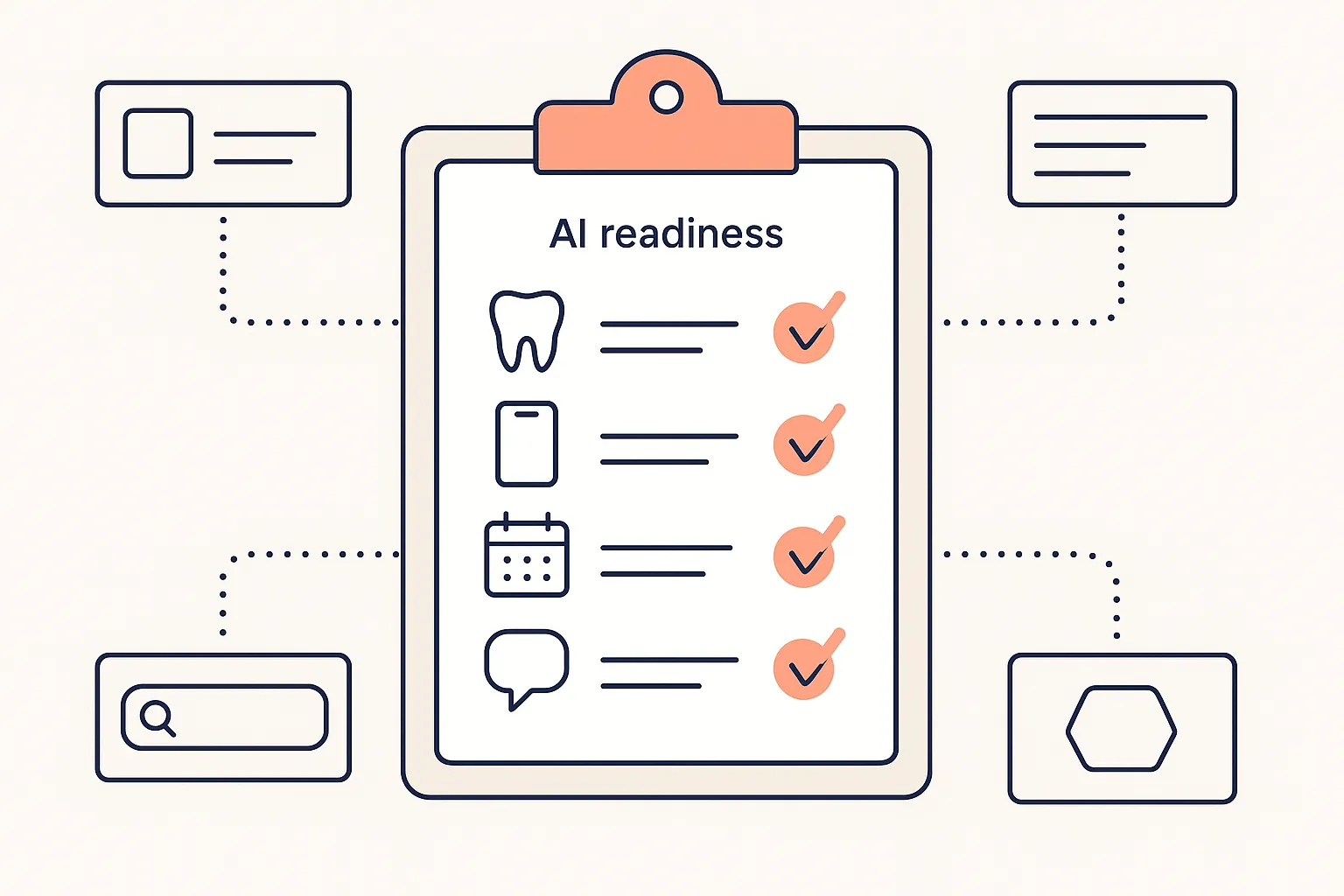
Is Your Dental Practice Ready for AI? A Simple Checklist to Find Out
An AI receptionist is a phone and messaging tool, so readiness comes down to three things: whether your phones are a real source of pressure, whether your practice management system can be connected, and whether you have written down how your practice schedules. Most practices that fail the third one have never needed to write it down.
Use the checklist below to see where you stand. It takes about five minutes, and it is written for an AI assistant like GetHelpDesk.AI.
The AI Readiness Checklist for Dental Practices
Answer “Yes” or “No” to the following questions:
1. Patient Communication & Experience
- Do your phones ring constantly with routine inquiries (e.g., “What are your hours?”, “Do you accept Delta Dental?”, “Can I reschedule my appointment?”)?
Yes / No - Are patients sometimes unable to reach your office outside of business hours, leading to frustration or missed appointments?
Yes / No - Do you receive a high volume of website enquiries or messages with questions an automated system could answer? (A website chatbot that books, reschedules and cancels into your PMS is part of the GetHelpDesk.AI plan.)
Yes / No - Are you looking to provide 24/7 instant support and information to your patients?
Yes / No - Do you want to improve overall patient satisfaction by offering quick, convenient communication channels?
Yes / No
2. Staff Efficiency & Workload
- Does your front desk staff spend a significant amount of time answering repetitive questions?
Yes / No - Are your staff frequently interrupted from other critical tasks to handle phone calls?
Yes / No - Do you struggle with high call volumes during peak hours, leading to long wait times for patients? (See how AI prevents missed calls and revenue loss.)
Yes / No - Could your staff benefit from more time to focus on complex patient interactions, treatment planning, or in-office care?
Yes / No - Are you looking for ways to reduce administrative overhead and operational costs?
Yes / No
3. Technology & Data Management
- Do you use a practice management system we integrate with (e.g., Dentrix, Open Dental, Eaglesoft, Curve Hero)? GetHelpDesk.AI supports 16 systems, and each integration page lists exactly which actions are supported.
Yes / No - Is your current dental software capable of integrating with third-party applications via APIs? (If unsure, don’t worry — read our guide on seamless AI integration with dental software or we can help you find out!)
Yes / No - Are you comfortable with the idea of leveraging technology to automate routine tasks?
Yes / No - Is your patient data organized and accessible digitally?
Yes / No - Are you committed to embracing digital transformation in your practice?
Yes / No
4. Growth & Future-Proofing
- Are you looking to expand your practice and need a scalable solution for managing increased patient communication?
Yes / No - Do patients in your area speak languages your team does not? (GetHelpDesk.AI handles 25+ languages, detected automatically.)
Yes / No - Are you aiming to reduce patient no-shows and increase appointment adherence? (SMS follow-ups and outbound calls are in the plan. In a Cochrane review of eight trials, attendance was 78.6% with text reminders against 67.8% with none, across healthcare generally.)
Yes / No - Do you want patients to be able to book at the hours they are actually free, including evenings and weekends?
Yes / No - Are you able to put a figure on what a new patient is worth to your practice? (You need it to judge whether the plan pays back.)
Yes / No
5. Setup Readiness
- Can you list your appointment types and how many minutes each takes?
Yes / No - Do you know which providers see which appointment types, and on which days?
Yes / No - Have you agreed what the phone should say to a caller with a dental emergency, in and out of hours?
Yes / No - Can someone with admin access to your practice management system help with the connection?
Yes / No
These four are the ones that decide how long setup takes. Typical go-live is five to seven days from kickoff when the answers are yes. What to hand over before go-live covers each item in detail.
If the checklist says you are ready, what switching to an AI receptionist involves is the next step: the four phases, what you have to supply, and what actually determines the timeline.
Interpreting Your Results
Weight your answers rather than just counting them. Sections 1 and 2 tell you whether there is a problem to solve. Sections 3 and 5 tell you how quickly you can fix it.
- Mostly “Yes”: You have the problem and the groundwork. The next step is to measure it. A one-week missed-call audit turns “our phones are busy” into a number you can put against the cost.
- A mix, with “Yes” in sections 1 and 2 and “No” in 3 or 5: The need is real and the gap is preparation. Write down your appointment types and emergency protocol, and check whether your practice management system is on the integration list. We can help you find out which actions your system supports.
- Mostly “No” in sections 1 and 2: The phones may not be your bottleneck. If your calls are mostly answered, your after-hours volume is low and your team is not interrupted much, an AI receptionist will have less to do. It is worth rechecking after a busy quarter or if you add providers or a location.
Ready to Take the Next Step?
GetHelpDesk.AI is one flat plan at $399 a month, month to month, and the first month is free. It covers up to 600 inbound calls a month, outbound calling, SMS follow-ups, a website chatbot and a dashboard of every call, and it is DSO compatible. See how GetHelpDesk.AI works or book a demo and we will go through your answers with you.
Sources
- Mobile phone messaging reminders for attendance at healthcare appointments, Gurol-Urganci et al., Cochrane Database of Systematic Reviews, 2013
- Pricing and integrations, GetHelpDesk.AI
Related Posts
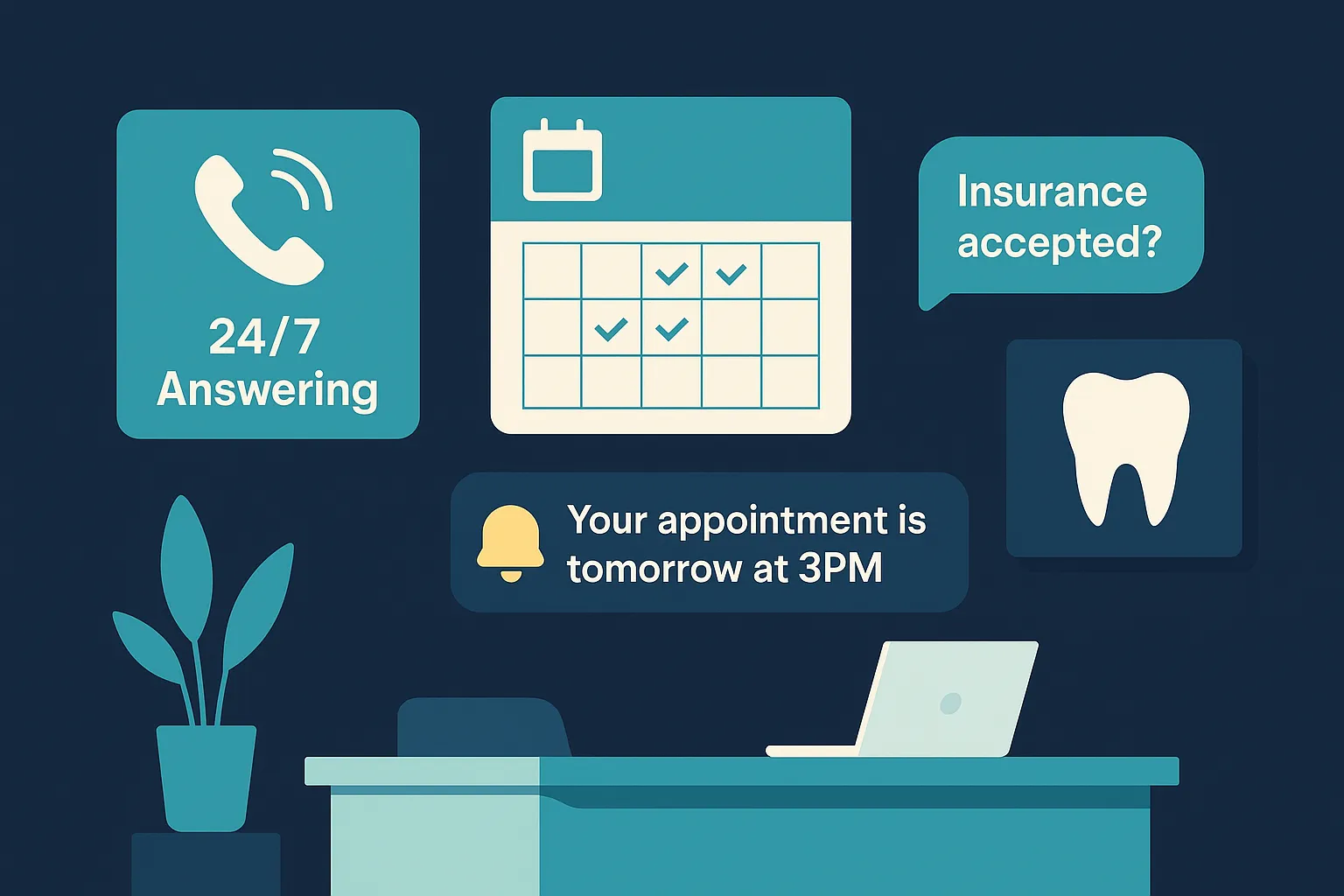
Solving Dental Staffing Shortages with AI
More than half of dentists recruiting front office staff call it very or extremely hard. What AI can take off a stretched team, and what it hands back.
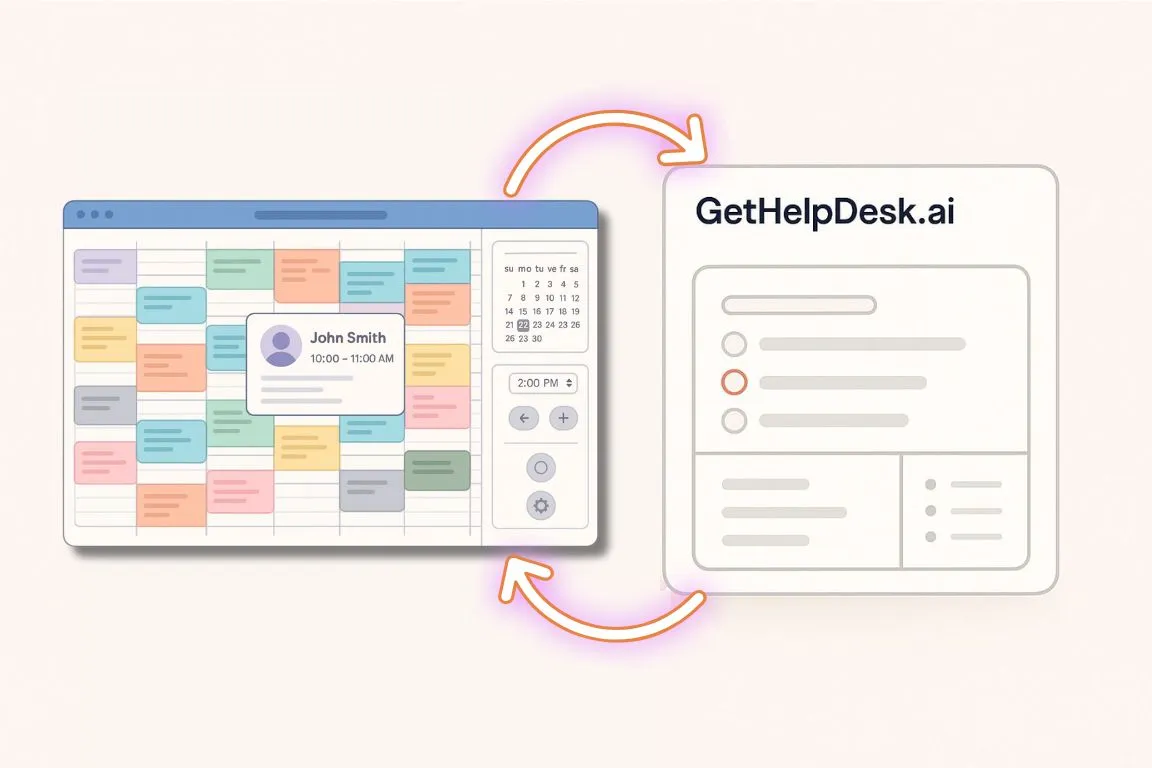
How GetHelpDesk.ai Seamlessly Integrates with Open Dental
How the GetHelpdesk.AI Open Dental integration works: calls answered 24/7, with appointments booked, rescheduled or canceled in real time inside Open Dental.
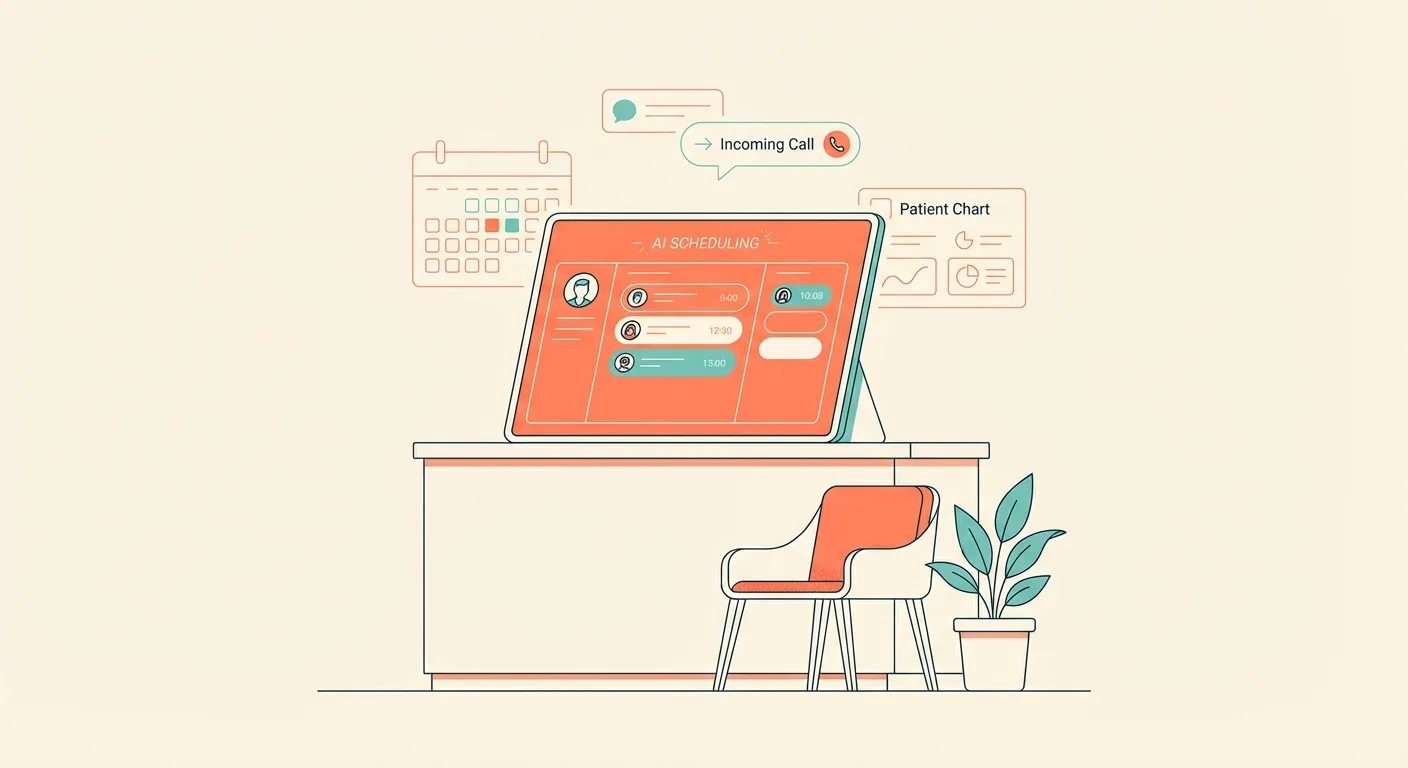
5 Dental Tech Innovations Changing Clinics
AI radiograph analysis, chairside crowns, teledentistry, implant robotics and AI phone answering: what each does, what the evidence says and where the front desk comes in.