
If you’re a dental practice owner or manager evaluating AI answering services, the landscape can feel overwhelming. Every vendor claims to be “AI-powered.” The feature lists look similar. The pricing models vary. And the actual impact on your practice isn’t clear until you’re already committed.
This guide cuts through the noise. It covers how AI answering works in a dental context, what capabilities actually matter, how to evaluate vendors, what it costs, and what outcomes look like at the practices running our system.
What an AI Answering Service Does for a Dental Practice
An AI answering service handles inbound phone calls using artificial intelligence — natural language processing, speech recognition, and conversational AI — instead of human operators.
For dental practices specifically, this means:
- Answering every call instantly, 24/7, including after hours and closed days
- Having natural conversations with patients about scheduling, insurance, services, and general questions
- Booking appointments directly into your practice management system (PMS)
- Routing emergencies appropriately based on your configured protocols
- Detecting the caller’s language automatically (GetHelpdesk.AI handles 25+ languages)
- Providing a transcript and summary of every call for practice review
Some plans also go beyond the inbound phone. GetHelpdesk.AI’s single plan adds outbound calling, SMS follow-ups, and a website chatbot that books, reschedules and cancels into your PMS and answers questions the same way the voice AI does.
The key distinction from traditional answering services: AI answering resolves the patient’s need during the call rather than collecting a message for someone to follow up on later.
How AI Answering Works Behind the Scenes
When a patient calls a practice using AI answering, the system processes the call through several layers simultaneously.
Speech recognition converts the patient’s spoken words into text. Accents and background noise are the hard cases, so test with a few of your own callers rather than a clean demo line.
Intent recognition determines what the patient is calling about: booking an appointment, asking a question, reporting an emergency, requesting insurance information, or something else.
Entity extraction identifies the specific details: appointment type, preferred time, provider, insurance carrier, and other relevant information.
PMS integration checks real-time availability, applies scheduling rules (which providers do which procedures, room assignments, duration requirements), and books confirmed appointments.
Response generation produces natural, conversational responses — not robotic scripts — that guide the patient through the process.
The entire process happens in real time. From the patient’s perspective, it’s a helpful phone conversation that ends with their need resolved.
What to Look For When Evaluating AI Answering Vendors
Not all AI answering services deliver the same capability. These criteria separate systems that transform practices from those that create friction. The features that actually matter in a dental answering service goes through each one in turn.
PMS Integration Depth
The most critical evaluation criterion. Can the system read real-time availability from your PMS and write confirmed appointments back? Or does it just collect information for staff to book later?
Systems that integrate directly with OpenDental, Dentrix, Eaglesoft, and other PMS platforms deliver materially different outcomes from those that don’t.
Scheduling Intelligence
Beyond basic booking, does the system understand your scheduling rules? Appointment type durations, provider assignments, operatory preferences, block times, and multi-location routing are all important.
A system that books a 60-minute implant consultation into a 30-minute hygiene slot creates more problems than it solves.
Conversation Quality
Request a demo where you test the system with realistic patient scenarios — not just the vendor’s prepared demo script. Try:
- Indirect booking requests (“I haven’t been to a dentist in years, I should probably come in”)
- Mid-conversation topic changes (“Actually wait, before I book — do you take Cigna?”)
- Complex scenarios (“I need to bring my two kids and schedule them back-to-back”)
- Emergency language (“I broke my tooth and I’m in pain”)
Quality systems handle all of these. Basic systems fail on the second or third.
Multi-Language Support
If your patient population includes non-English speakers, ask how the system handles other languages. Automatic detection and native-quality responses are different from “press 2 for Spanish” routing to a translated script.
Pricing Model
AI answering pricing generally falls into three models:
- Per-minute: You pay for each minute of AI call time. Risk: creates incentive for short, rushed interactions.
- Per-call: You pay for each call handled. Risk: unclear costs as volume fluctuates.
- Flat monthly: You pay a fixed price regardless of volume. Advantage: predictable costs, no disincentive for the AI to take time to serve patients well.
GetHelpdesk.AI uses flat monthly pricing: $399 a month, month to month, with the first month free. It covers up to 600 inbound calls a month, outbound calling, SMS follow-ups, the website chatbot and a dashboard of every call. There is no per-minute or per-call charge, so the AI takes whatever time a call requires. Multi-location practices and DSOs are quoted on number of locations. Whatever vendor you shortlist, ask what is inside the headline price and what is billed on top. How AI receptionist pricing works compares the models.
HIPAA Compliance
A vendor that handles patient information on your behalf is a business associate under HIPAA, and the U.S. Department of Health and Human Services expects a written business associate agreement (BAA) in place. Also ask about encryption, access controls and secure storage of call recordings and transcripts. We sign a BAA, and protected health information is encrypted in transit and at rest.
Realistic Outcomes: What Practices Actually Experience
These figures come from GetHelpdesk.AI’s own production data, not from a third party.
Across the network: 77,000+ patient calls answered and 6,300+ appointments booked since December 2024, with 45 locations answering 24/7 as of the last 30 days.
Per location: On average, a single-provider location books 22 appointments and 6 new patients and generates $10k+ in revenue over 30 days. Those are averages, so your result depends on your call volume, how many calls you miss today and what a new patient is worth to you.
Return on the subscription: Depending on those same three inputs, the return on a $399 plan can range from roughly 10x to 50x. Practices with meaningful after-hours and overflow volume sit toward the high end. To work it out for your own practice, use the ROI method.
Timeline: A typical go-live is five to seven days from kickoff. The first bookings appear in your schedule once calls start coming through, and each one is recorded in the dashboard so you can check it.
Common Questions During Evaluation
Will patients know they’re talking to AI?
Some will, and you should decide how your greeting handles that. Disclosure rules and recording-consent laws vary by state, so check yours before launch; AI voice agents for dental practices covers the points to confirm with your counsel. What matters to most callers is that the conversation resolves their need.
What happens if the AI can’t handle a call?
Well-configured systems have escalation protocols — routing to on-call staff, taking a message for priority callback, or directing the patient to emergency resources. The goal is graceful handling, not a dead end.
How long does setup take?
GetHelpdesk.AI typically onboards practices within a week. The process involves configuring scheduling rules, appointment types, practice information, and PMS integration. The founder handles onboarding directly for quality assurance.
Does this replace my front desk?
No. AI answering handles phone coverage — after hours, overflow, and closed days. Your front desk team handles in-office patients, complex situations, and relationship building. The two work together.
What about existing patients?
AI answering handles both new and existing patient calls. Existing patients can reschedule, confirm, and ask questions. The AI accesses PMS data to recognize existing patients and handle their requests appropriately.
Key Takeaways
- AI answering for dental practices means resolving patient needs during the call — not just collecting messages
- PMS integration depth is the single most important evaluation criterion
- Scheduling intelligence (understanding your rules, not just open slots) determines whether booked appointments are usable
- Test conversation quality with realistic scenarios, not just prepared demos
- Flat monthly pricing aligns AI incentives with patient service quality
- Realistic first-month outcomes: bookings from captured after-hours and overflow calls, visible call by call in the dashboard
Frequently Asked Questions
What’s the difference between AI answering and a virtual receptionist service? Virtual receptionist services use human operators working remotely. They can answer calls and take messages but typically can’t access your PMS to book appointments. AI answering handles the full cycle — conversation through booking — without human involvement.
Can AI answering handle multiple locations? Yes. GetHelpdesk.AI is DSO compatible and supports multi-location practices with per-location scheduling configuration and call routing. The AI knows which location the patient is calling and applies that location’s rules.
What if our PMS isn’t on the integration list? Contact the vendor directly. GetHelpdesk.AI currently integrates with 16 practice management systems, including Open Dental (authorized API partner), iDentalSoft (exclusive AI partner), Dentrix, Dentrix Ascend, Eaglesoft, Curve Hero, Denticon and Cloud 9, each with its own support matrix. Additional integrations are developed based on customer demand.
How do we measure ROI from AI answering? Track: (1) number of after-hours appointments booked, (2) reduction in missed calls during business hours, (3) Monday morning voicemail backlog (should decrease to near-zero), and (4) new patient numbers before vs. after deployment.
Is there a contract or commitment? No. GetHelpdesk.AI is month to month with no long-term contract, and the first month is free. Practices can evaluate the system’s impact and continue based on results.
Ready to see AI answering in action for dental practices? Book a 9-minute demo, the fastest way to evaluate whether this is right for your practice.
Sources
- Business Associates, U.S. Department of Health and Human Services, Office for Civil Rights
- Pricing, GetHelpdesk.AI
- Production figures: GetHelpdesk.AI analytics, per single-provider location, 30-day average; cumulative totals from December 2024 to July 2026
Related Posts
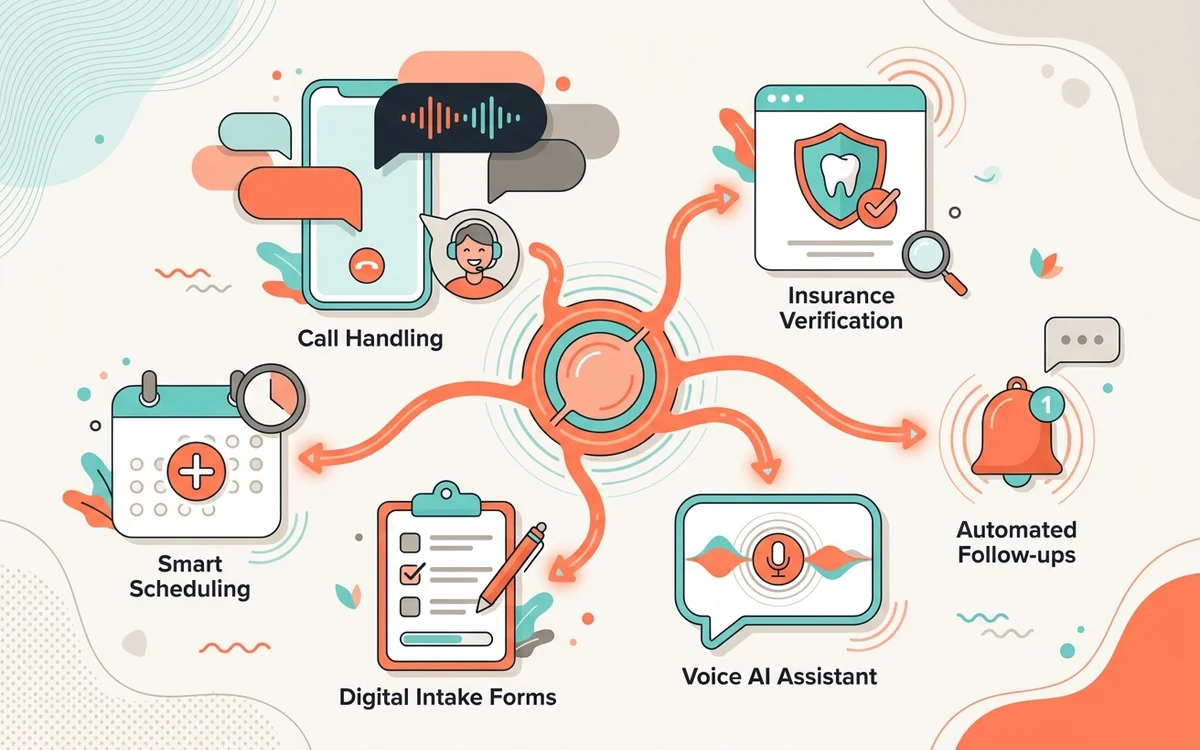
Dental AI Answering Service Features to Look For
Choose a dental AI answering service that books the appointment your team would have: right provider, room and type, 24/7 and in 25+ languages.
How AI Helps an Overwhelmed Dental Front Desk
Hiring is slow and adds payroll cost. How AI answering takes pressure off a dental front desk facing burnout, missed calls and a Monday voicemail backlog.
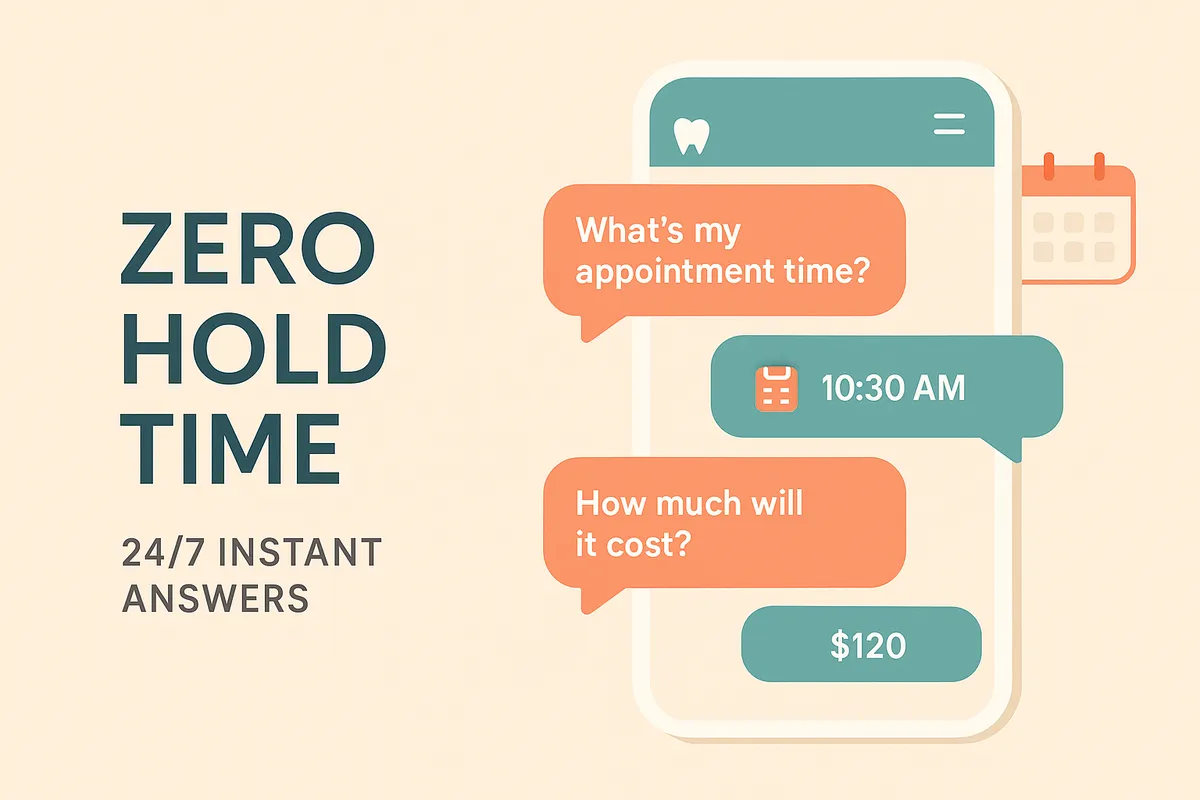
What Dental Patients Want: Speed and No Hold
Most callers who reach voicemail don't leave a message. How response speed, clear answers on insurance and cost, and zero hold time shape patient choice.