
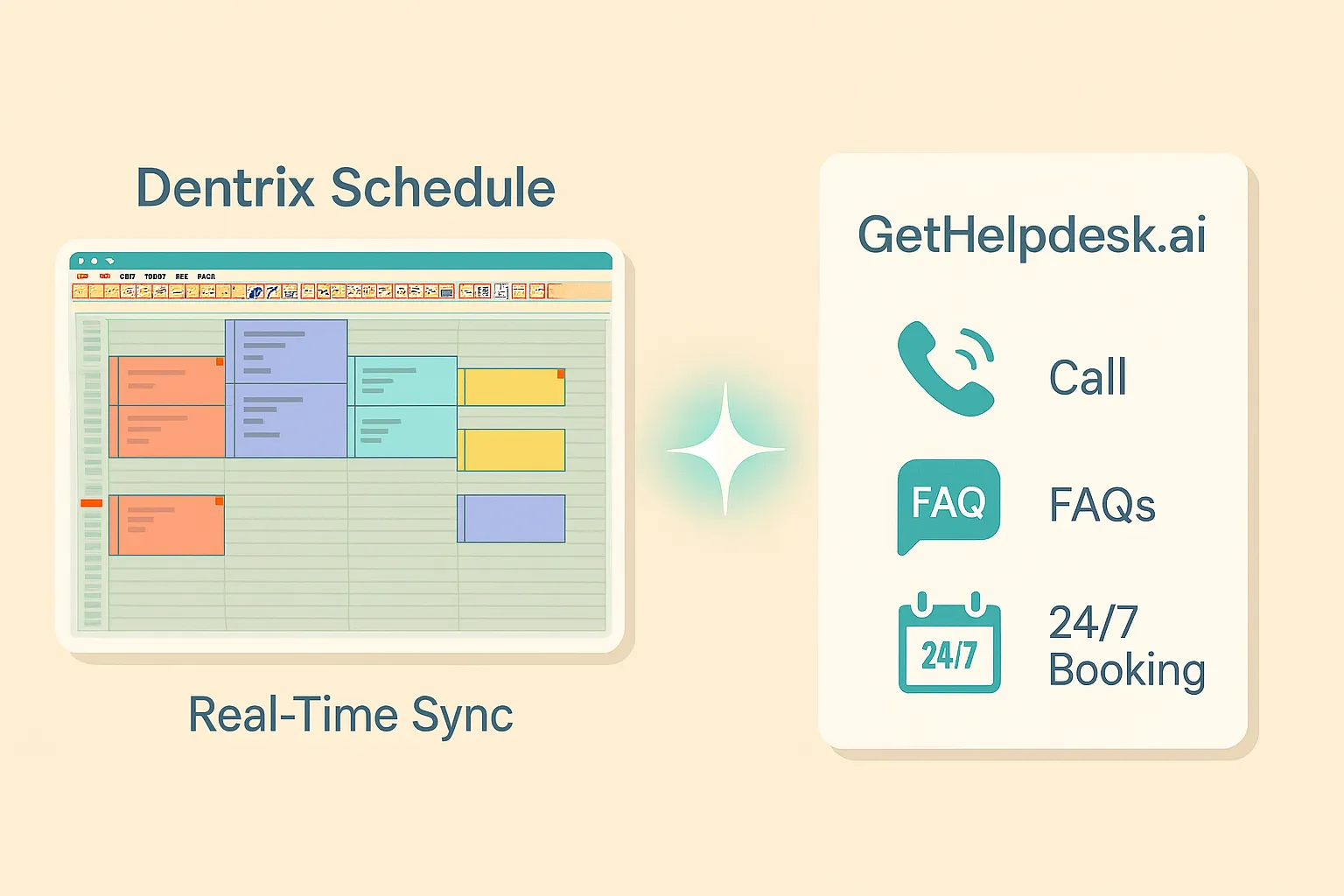
If your front desk is slammed, your phones are ringing nonstop, and patients still slip through the cracks — you’re not alone.
Dentrix is powerful, but it’s not always patient-ready after hours. That’s where GetHelpdesk.ai comes in.
We’re not another dashboard or chat plugin. We’re the AI layer that works alongside Dentrix — to book appointments, answer common questions, and help your practice run smoother, 24/7. No coding. No overhaul. Just real integration that delivers business value on day one.
Let’s walk through what that actually means.
1. Why Dentrix + GetHelpdesk.ai Just Makes Sense
Your practice already runs on Dentrix. It tracks patient info, handles scheduling, and manages the clinical side beautifully. Which edition you run changes what the scheduling integration can do, so it is worth confirming which Dentrix your practice runs first.
But patients? They don’t always call during business hours. They want answers at 8 PM. They want to reschedule at 6:30 AM. They need emergency care on a Saturday.
Every missed call from a would-be new patient is a missed opportunity. As a working assumption, a new patient is worth about $800–$1,200 in the first year and more across a lifetime, though your own fee schedule is the number that counts.
GetHelpdesk.ai bridges that gap.
When integrated with Dentrix, our AI becomes a virtual front desk assistant, one that’s always on, always synced, and always on brand.
Here’s what you get:
- 24/7 appointment booking, rescheduling, and cancellations
- Availability checked against your Dentrix Appointment Book before any time is offered
- Instant answers to FAQs (hours, insurance, procedures, etc.)
- Outbound calling, SMS follow-ups and a website chatbot that books into Dentrix, all on the same $399 plan
- No double-entry. No voicemails. No backlogs.
This page is about desktop Dentrix, the version installed on workstations against a server in your office. Dentrix Ascend and Dentrix Enterprise are separate products with separate integrations. See the Dentrix integration page for the full detail.
2. What Integration Really Looks Like — Without the Jargon
You don’t need to know how the Dentrix developer tooling works. We handle all that under the hood.
Here’s how the Dentrix integration plays out in your daily workflow:
1. Real-Time Schedule Access
Our AI checks your live Dentrix calendar including providers, operatories, and appointment types before suggesting time slots. Availability is read as data rather than from the visual grid, so an appointment hidden behind another block cannot be overwritten. Perfect Day blocks are treated as rules rather than as an overridable warning. Patients book straight into your existing schedule.
2. Smart Call Handling
Calls don’t go to voicemail. They go to your AI assistant. It triages, responds, books, or passes info to your team with full context if needed.
3. HIPAA-Compliant, Always
Protected health information is encrypted in transit and at rest, access is restricted through role-based controls, and we sign a Business Associate Agreement with your practice before the first live call.
3. Real Practices, Real Results
Dr. Lee runs a busy three-chair office in LA. Before using GetHelpDesk.ai with Dentrix, they missed over 40 calls a week most after hours.
In month one:
- 13 new patients booked automatically
- 6 emergency appointments scheduled
- Zero manual data entry
“I didn’t expect AI to be this invisible. It just works like an extra staff member who doesn’t sleep.” — Dr. Nguyen
4. Tailored to Your Practice — Not a One-Size Bot
Every dental office runs differently. Your scheduling logic depends on:
- How many chairs and providers you have
- Treatment durations and buffer times
- Which provider can perform which procedures
- Whether you stack hygiene with restorative work
We adapt to all of that.
GetHelpdesk.ai mirrors your real scheduling logic, appointment types, operatory availability, and staff roles. It learns how your front desk operates and replicates that experience after hours or during overflow.
So when a patient books through AI, it feels just like talking to your team.
5. Setup Takes About a Week
Step 1: Connect Dentrix
Dentrix is an on-premise application, and Henry Schein One designs its developer program for on-premise integrations, so a cloud service has to run a small local component in your office. We set that up with whoever has access to the Dentrix server. There is no new phone system to buy and no handset to replace.
Step 2: Understand Your Workflow
We meet with your team over 2–3 sessions to learn how you currently handle:
- Scheduling logic (providers, operatories, appointment types)
- Common patient questions
- How you manage overlapping appointments or special cases
Step 3: Customize Your AI Assistant
We use everything we’ve learned to configure a smart, practice-specific AI agent, one that handles appointments and inquiries just like your front desk would.
Step 4: Go Live
Once everything’s tested and ready, we switch you on. Most practices are live 5–7 days after kickoff, and many start with after-hours or overflow calls before widening coverage.
6. Why It Pays Off — Literally
The plan is $399 a month flat and covers up to 600 inbound calls. When your AI never sleeps:
- New patients can book after hours
- Emergencies don’t get routed to voicemail
- Outbound calls and SMS follow-ups are included, so confirmations and short-notice openings can be worked without staff time
- Your team handles fewer repetitive questions
Practices using GetHelpdesk.ai see returns in the range of 10x–50x the subscription cost from capturing calls they would have missed. Where you land in that range depends on your call volume, your missed-call rate and the value of your cases. A practice with few missed calls and low-value cases sits near the bottom, and a busy practice with a high missed-call rate and larger cases sits near the top. Run the numbers for your own practice before taking either end on trust.
Ready to See It Work Inside Your Dentrix?
We’d love to show you how GetHelpdesk.ai fits into your Dentrix workflow.
You’ll see how AI helps:
- Book appointments without the back-and-forth
- Handle peak-hour or after-hour calls automatically
- Reduce front desk burnout while increasing bookings
👉 Book your demo now — and make Dentrix even smarter.
Sources
- GetHelpdesk.AI plan and setup details come from our pricing page and Dentrix integration page. The $800 to $1,200 first-year patient value is a working assumption, not a measured figure.
- Business Associates, U.S. Department of Health and Human Services, Office for Civil Rights
Related Posts
Setting Up AI Call Answering in Eaglesoft
How to set up an AI receptionist for Eaglesoft: match callers by phone number, map provider chairs, respect OnSchedule templates, never auto-create records.
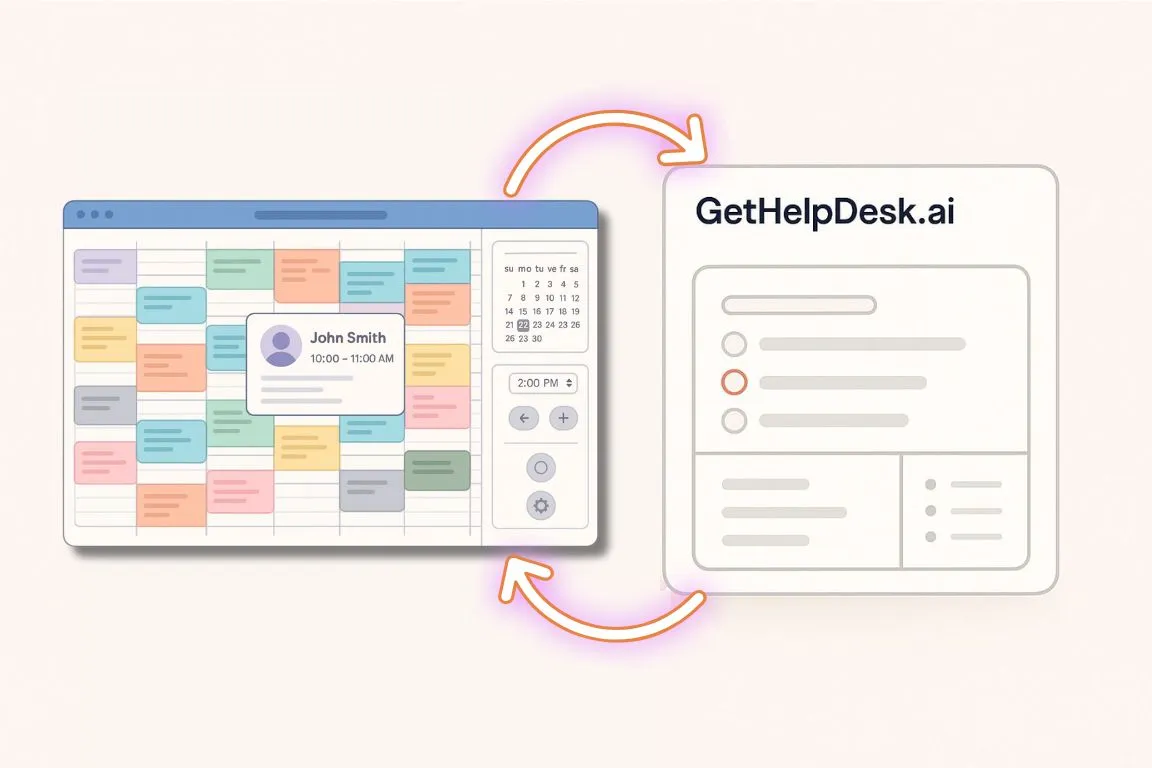
How GetHelpDesk.ai Seamlessly Integrates with Open Dental
How the GetHelpdesk.AI Open Dental integration works: calls answered 24/7, with appointments booked, rescheduled or canceled in real time inside Open Dental.

Multilingual AI for Dental Clinics: Break Language Barriers
Every Spanish call should end in help, a transfer or a callback task. What to ask any multilingual AI vendor before your dental clinic buys.