
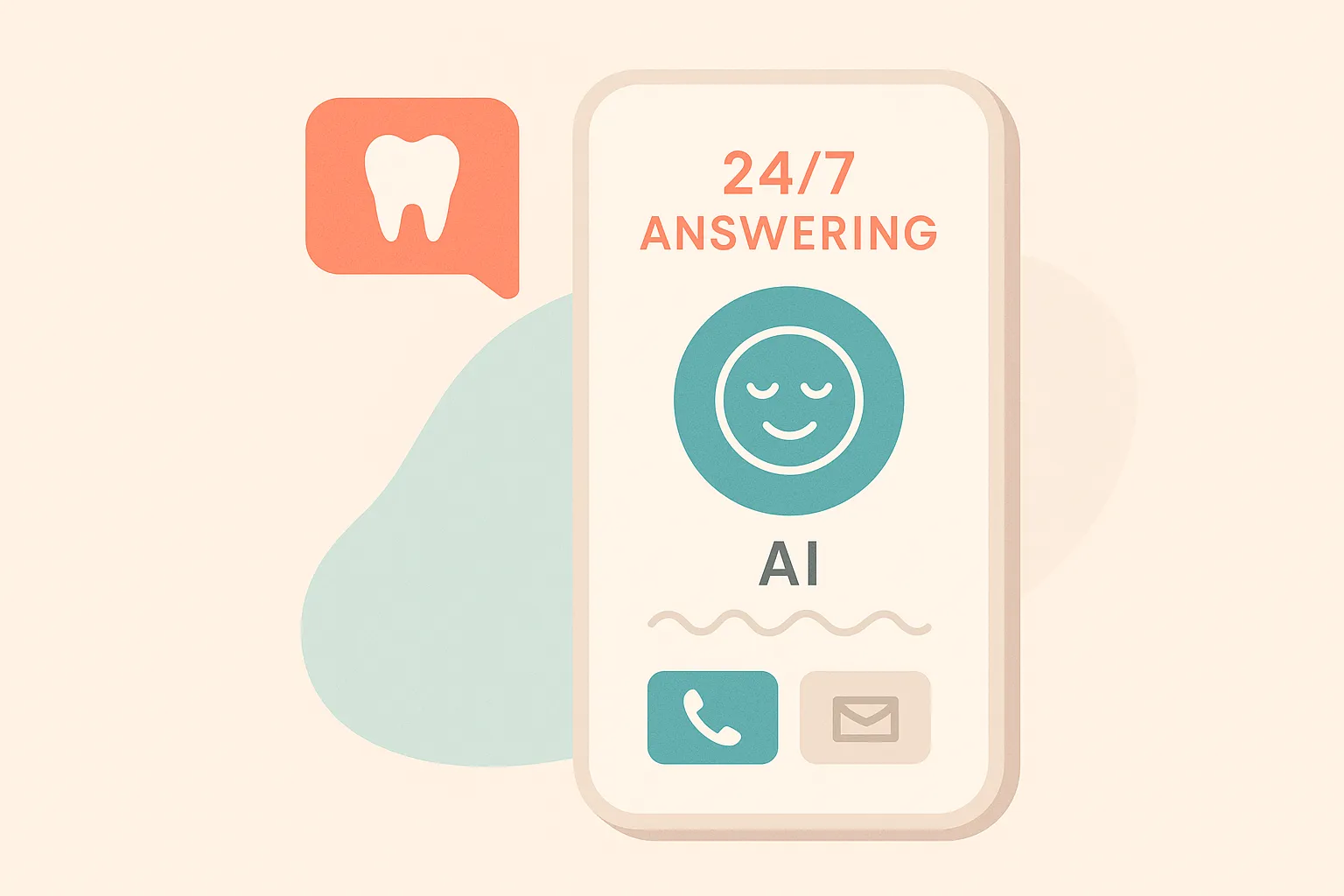
If you’re a dental practice owner or manager evaluating AI answering services, the landscape can feel overwhelming. Every vendor claims to be “AI-powered.” The feature lists look similar. The pricing models vary. And the actual impact on your practice isn’t clear until you’re already committed.
This guide cuts through the noise. It covers how AI answering works in a dental context, what capabilities actually matter, how to evaluate vendors, and what realistic outcomes look like — based on data from practices currently running these systems.
What an AI Answering Service Does for a Dental Practice
An AI answering service handles inbound phone calls using artificial intelligence — natural language processing, speech recognition, and conversational AI — instead of human operators.
For dental practices specifically, this means:
- Answering every call instantly, 24/7, including after hours and closed days
- Having natural conversations with patients about scheduling, insurance, services, and general questions
- Booking appointments directly into your practice management system (PMS)
- Routing emergencies appropriately based on your configured protocols
- Supporting multiple languages automatically
- Providing call transcripts and analytics for practice review
The key distinction from traditional answering services: AI answering resolves the patient’s need during the call rather than collecting a message for someone to follow up on later.
How AI Answering Works Behind the Scenes
When a patient calls a practice using AI answering, the system processes the call through several layers simultaneously.
Speech recognition converts the patient’s spoken words into text. Modern systems handle accents, background noise, and natural speech patterns with high accuracy.
Intent recognition determines what the patient is calling about: booking an appointment, asking a question, reporting an emergency, requesting insurance information, or something else.
Entity extraction identifies the specific details: appointment type, preferred time, provider, insurance carrier, and other relevant information.
PMS integration checks real-time availability, applies scheduling rules (which providers do which procedures, room assignments, duration requirements), and books confirmed appointments.
Response generation produces natural, conversational responses — not robotic scripts — that guide the patient through the process.
The entire process happens in real time. From the patient’s perspective, it’s a helpful phone conversation that ends with their need resolved.
What to Look For When Evaluating AI Answering Vendors
Not all AI answering services deliver the same capability. These criteria separate systems that transform practices from those that create friction.
PMS Integration Depth
The most critical evaluation criterion. Can the system read real-time availability from your PMS and write confirmed appointments back? Or does it just collect information for staff to book later?
Systems that integrate directly with OpenDental, Dentrix, Eaglesoft, and other PMS platforms deliver materially different outcomes from those that don’t.
Scheduling Intelligence
Beyond basic booking, does the system understand your scheduling rules? Appointment type durations, provider assignments, operatory preferences, block times, and multi-location routing are all important.
A system that books a 60-minute implant consultation into a 30-minute hygiene slot creates more problems than it solves.
Conversation Quality
Request a demo where you test the system with realistic patient scenarios — not just the vendor’s prepared demo script. Try:
- Indirect booking requests (“I haven’t been to a dentist in years, I should probably come in”)
- Mid-conversation topic changes (“Actually wait, before I book — do you take Cigna?”)
- Complex scenarios (“I need to bring my two kids and schedule them back-to-back”)
- Emergency language (“I broke my tooth and I’m in pain”)
Quality systems handle all of these. Basic systems fail on the second or third.
Multi-Language Support
If your patient population includes non-English speakers, ask how the system handles other languages. Automatic detection and native-quality responses are different from “press 2 for Spanish” routing to a translated script.
Pricing Model
AI answering pricing generally falls into three models:
- Per-minute: You pay for each minute of AI call time. Risk: creates incentive for short, rushed interactions.
- Per-call: You pay for each call handled. Risk: unclear costs as volume fluctuates.
- Flat monthly: You pay a fixed price regardless of volume. Advantage: predictable costs, no disincentive for the AI to take time to serve patients well.
GetHelpdesk.AI uses flat monthly pricing — the AI takes whatever time a call requires without cost pressure.
HIPAA Compliance
Any system handling patient information in a dental context must be HIPAA compliant. This includes data encryption, access controls, BAA (Business Associate Agreement) availability, and secure storage of call recordings and transcripts.
Realistic Outcomes: What Practices Actually Experience
Based on data from GetHelpdesk.AI’s 30+ active practices:
Call Volume: 5,000+ calls answered monthly across the network. Individual practice volume varies from 100-500+ calls per month depending on size and marketing activity.
Booking Rate: 400+ appointments booked monthly through the AI — appointments that would otherwise go to voicemail or missed calls.
Revenue Impact: $200K+ in patient revenue facilitated monthly across the network. Individual practice revenue impact ranges from $5,000-$30,000+ per month.
ROI: 25-50x return on subscription cost for practices with meaningful after-hours and overflow volume.
Timeline: Most practices see measurable booking increases within the first week of deployment.
Common Questions During Evaluation
Will patients know they’re talking to AI?
Most patients don’t identify the system as AI during the interaction. They experience a helpful conversation that resolves their need. Patient feedback is consistently positive when the AI successfully books their appointment.
What happens if the AI can’t handle a call?
Well-configured systems have escalation protocols — routing to on-call staff, taking a message for priority callback, or directing the patient to emergency resources. The goal is graceful handling, not a dead end.
How long does setup take?
GetHelpdesk.AI typically onboards practices within a week. The process involves configuring scheduling rules, appointment types, practice information, and PMS integration. The founder handles onboarding directly for quality assurance.
Does this replace my front desk?
No. AI answering handles phone coverage — after hours, overflow, and closed days. Your front desk team handles in-office patients, complex situations, and relationship building. The two work together.
What about existing patients?
AI answering handles both new and existing patient calls. Existing patients can reschedule, confirm, and ask questions. The AI accesses PMS data to recognize existing patients and handle their requests appropriately.
Key Takeaways
- AI answering for dental practices means resolving patient needs during the call — not just collecting messages
- PMS integration depth is the single most important evaluation criterion
- Scheduling intelligence (understanding your rules, not just open slots) determines whether booked appointments are usable
- Test conversation quality with realistic scenarios, not just prepared demos
- Flat monthly pricing aligns AI incentives with patient service quality
- Realistic first-month outcomes: measurable booking increases from captured after-hours and overflow calls
Frequently Asked Questions
What’s the difference between AI answering and a virtual receptionist service? Virtual receptionist services use human operators working remotely. They can answer calls and take messages but typically can’t access your PMS to book appointments. AI answering handles the full cycle — conversation through booking — without human involvement.
Can AI answering handle multiple locations? Yes. GetHelpdesk.AI supports multi-location practices with per-location scheduling configuration and unified reporting. The AI knows which location the patient is calling and applies that location’s rules.
What if our PMS isn’t on the integration list? Contact the vendor directly. GetHelpdesk.AI currently integrates with OpenDental, iDentalSoft (exclusive AI partner), Dentrix, and Eaglesoft. Additional integrations are developed based on customer demand.
How do we measure ROI from AI answering? Track: (1) number of after-hours appointments booked, (2) reduction in missed calls during business hours, (3) Monday morning voicemail backlog (should decrease to near-zero), and (4) new patient numbers before vs. after deployment.
Is there a contract or commitment? GetHelpdesk.AI operates on monthly subscriptions without long-term contracts. Practices can evaluate the system’s impact and continue based on results.
Ready to see AI answering in action for dental practices? Book a 9-minute demo — it’s the fastest way to evaluate whether this is right for your practice.
Related Posts
10 Signs Your Dental Practice Needs an AI Answering Service
Not sure if AI answering is right for your practice? These 10 signals — from missed calls to Monday morning voicemail backlogs — tell you the answer.
AI 101 for Dentists: A Plain-Language Guide to What It Is and What It Does
Artificial intelligence sounds complicated until you see what it actually does at a dental practice. This guide explains the concepts that matter — and skips the ones that don't.
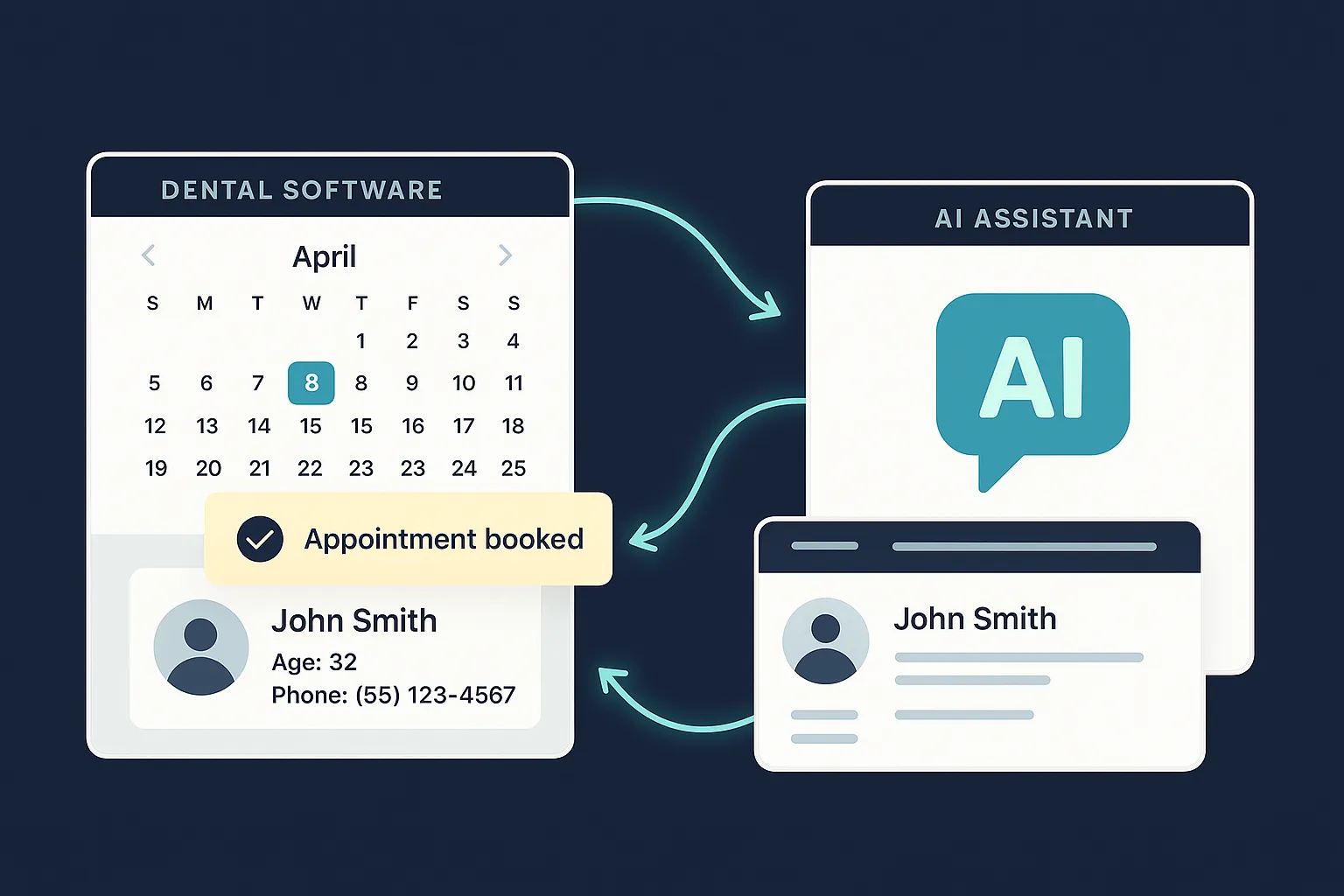
Seamless Integration of AI Answering Service with Your Dental Software
Learn how GetHelpdesk.AI integrates effortlessly with popular dental practice management software, syncing appointments, patient data, and streamlining your workflow.