
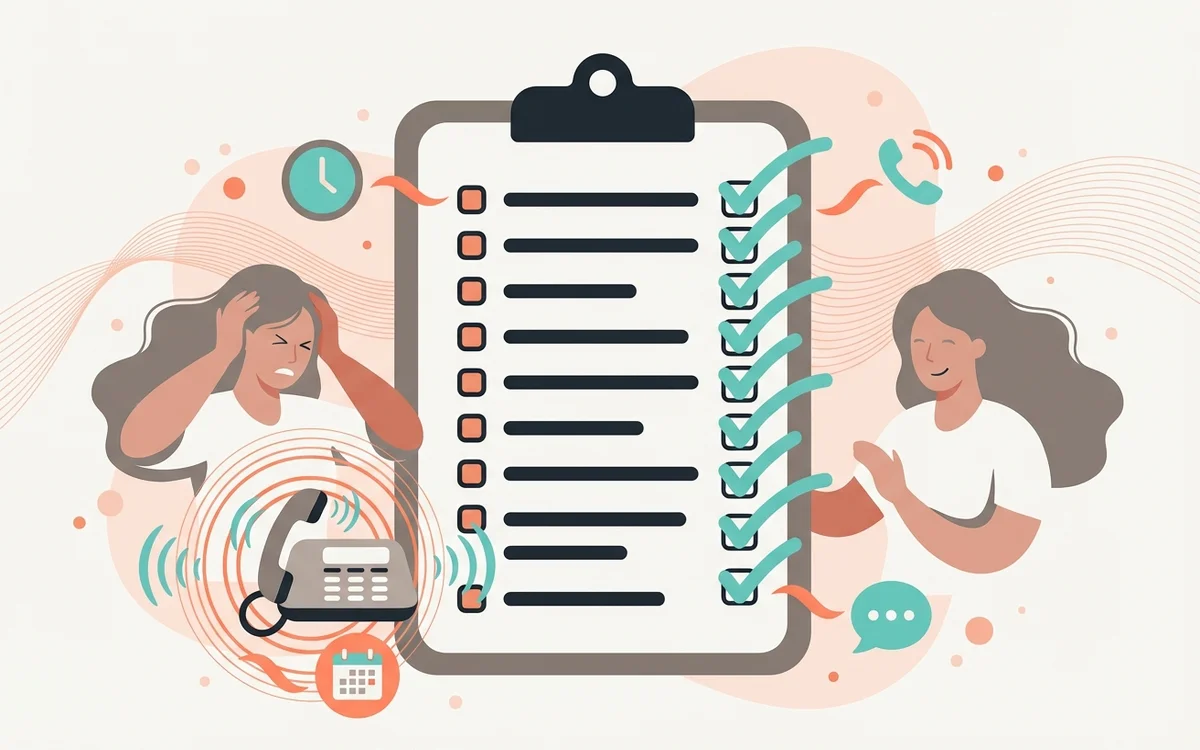
Most dental practices don’t wake up one morning and decide they need AI answering. The realization comes gradually — through accumulating signs that the current phone coverage model isn’t keeping up with patient demand.
The challenge is recognizing those signs for what they are. Many of the symptoms below get normalized as “just how it works at a busy practice.” They’re not. They’re signals that your practice is losing patients and revenue to gaps in phone coverage.
Here are ten concrete signs that an AI answering system would change your practice’s trajectory.
1. You’re Missing More Than 10% of Inbound Calls
If your phone system tracks missed calls and the number is consistently above 10% during business hours, you’ve exceeded your front desk’s phone capacity. Every missed call is a patient who may not call back.
The concerning part: most practices don’t track this metric. They know they miss calls — they just don’t know how many. Running a two-week missed call audit (most phone systems can provide this data) often reveals a number that surprises practice owners.
A 20-30% missed call rate during peak hours is common for busy practices with a single receptionist handling phones plus in-office patients. That rate means one in four callers never reaches a person.
2. Monday Mornings Start With a Voicemail Backlog
If your team’s first task every Monday is working through a stack of voicemails from the weekend, you have an after-hours coverage gap that’s costing real revenue.
Those voicemails represent only the 20% of after-hours callers who left messages. The other 80% hung up without leaving one. A Monday morning with 8 voicemails likely represents 30-40 total call attempts over the weekend — of which 30+ got no response.
That’s 30+ patients who either booked elsewhere or decided to wait (and may not call back).
3. Your Front Desk Regularly Skips or Shortens Lunch
When a front desk team regularly works through lunch or takes staggered 15-minute breaks because someone needs to cover phones, the staffing model is at capacity. This is one of the earliest burnout signals.
AI answering can cover lunch periods automatically — calls during that window are answered, questions are resolved, and appointments are booked without requiring anyone to eat at their desk while answering phones.
4. Patients Mention Hold Times or Difficulty Reaching You
If patients mention in person, in reviews, or in surveys that it’s hard to reach your office by phone, take it seriously. Each patient who mentions it represents many more who experienced the same thing and said nothing — they just moved on.
Online reviews mentioning “can’t get through on the phone” or “always goes to voicemail” are public signals that directly affect new patient acquisition. Prospective patients read those reviews and draw conclusions.
5. New Patient Numbers Have Plateaued Despite Marketing Spend
Practices that invest in marketing — Google Ads, SEO, mailers, social media — drive call volume. If that investment is producing calls but new patient numbers aren’t growing proportionally, the disconnect is often in the phone experience.
Marketing gets the phone to ring. The front desk (or voicemail, or hold queue) determines whether that ring becomes a patient. Spending more on marketing while missing calls is like pouring water into a leaky bucket.
6. You’re Closed One or More Days Per Week
Practices closed on Mondays, Fridays, or another weekday have a full 24-hour window where every call goes to voicemail. This isn’t a peak-hour gap — it’s an entire business day of zero phone coverage.
AI answering turns closed days into booking days. The practice is closed but the phone is covered — patients calling on your closed day get appointments booked for your open days.
7. You’ve Considered Hiring Another Front Desk Person
If the conversation about adding front desk staff has come up, the underlying cause is usually phone volume exceeding capacity. Before committing to a $35,000-$50,000+ annual hire (plus benefits, training, and management overhead), consider that AI answering specifically addresses the phone volume problem at a fraction of the cost.
The new hire addresses phone overflow during business hours. AI answering addresses overflow during business hours plus complete after-hours, weekend, and closed-day coverage.
8. Your Phone Rings While Staff Are With Patients at the Desk
The simultaneous phone-plus-desk collision is one of the most stressful moments in a dental front office. Someone at the desk needs attention. The phone is ringing. Both are patients. Someone gets a degraded experience.
This collision typically happens multiple times per day in busy practices. AI answering eliminates it — phones are handled automatically when staff are occupied with in-office patients.
9. You’ve Had Staff Turnover at the Front Desk
Front desk turnover in dental practices runs higher than most other positions. When turnover is elevated, it’s often connected to volume pressure — the role demands more than is sustainable for one or two people.
Reducing phone volume through AI handling doesn’t eliminate the front desk role — it makes it sustainable. Staff who aren’t overwhelmed by constant phone pressure stay longer.
10. You Don’t Know Your After-Hours Call Volume
If you can’t answer the question “how many calls does my practice receive after hours?” then you have a measurement gap that’s likely hiding a significant revenue leak.
Most practices know their in-office call volume but have no visibility into what happens between 5 PM and 8 AM. AI answering provides this visibility — and typically reveals that after-hours volume is larger than expected.
What to Do If You Recognize These Signs
The diagnostic is straightforward: track your missed call rate for two weeks, count your Monday morning voicemails, and survey your front desk team about volume pressure. If the numbers confirm what the signs suggest, the economics of AI answering usually justify themselves within the first month.
GetHelpdesk.AI integrates with OpenDental, Dentrix, Eaglesoft, and iDentalSoft — booking appointments directly into your PMS around the clock.
Key Takeaways
- Missed calls above 10%, Monday voicemail backlogs, and staff eating at their desks are signals of a coverage gap
- Marketing investment without adequate phone coverage is wasted spend
- Closed days represent entire business days of zero coverage — AI turns them into booking days
- Adding staff solves business-hours overflow but not after-hours, weekends, or closed-day gaps
- Front desk turnover often traces to unsustainable volume pressure that AI can relieve
Frequently Asked Questions
How do I measure my missed call rate? Most modern phone systems track missed and abandoned calls. Check your provider’s reporting dashboard or contact them to enable call metrics. Run the analysis for at least two weeks to get a representative picture.
Is one sign enough to justify AI answering? Signs tend to cluster. If you recognize one, you likely recognize three or four. The strongest individual indicators are missed call rate (sign #1), new patient plateau despite marketing spend (sign #5), and closed-day coverage gaps (sign #6).
What’s the typical ROI timeline for AI answering? Most practices see positive ROI within the first month from captured after-hours and overflow bookings. The break-even point is often a single booked appointment per week that would otherwise have been lost to voicemail.
Can AI answering handle just after-hours, or does it cover business hours too? GetHelpdesk.AI can be configured for 24/7 coverage, after-hours only, or overflow-only during business hours. Most practices run full 24/7 coverage because the marginal cost is zero — flat monthly pricing covers all call volume.
Will my patients notice the switch to AI? The most common patient reaction is positive — they notice they can reach the practice any time and get immediate help. Patients don’t typically identify the system as AI; they experience a helpful, natural conversation that resolves their need.
Recognized a few of these? Book a 9-minute demo and see what the fix looks like for your practice.
Related Posts

AI 101 for Dentists: A Plain-Language Guide to What It Is and What It Does
Artificial intelligence sounds complicated until you see what it actually does at a dental practice. This guide explains the concepts that matter — and skips the ones that don't.
AI Answering Service for Dental Practices: The Complete Guide
Everything dental practice owners need to know about AI answering services — how they work, what they cost, what to look for, and how they compare to traditional solutions.
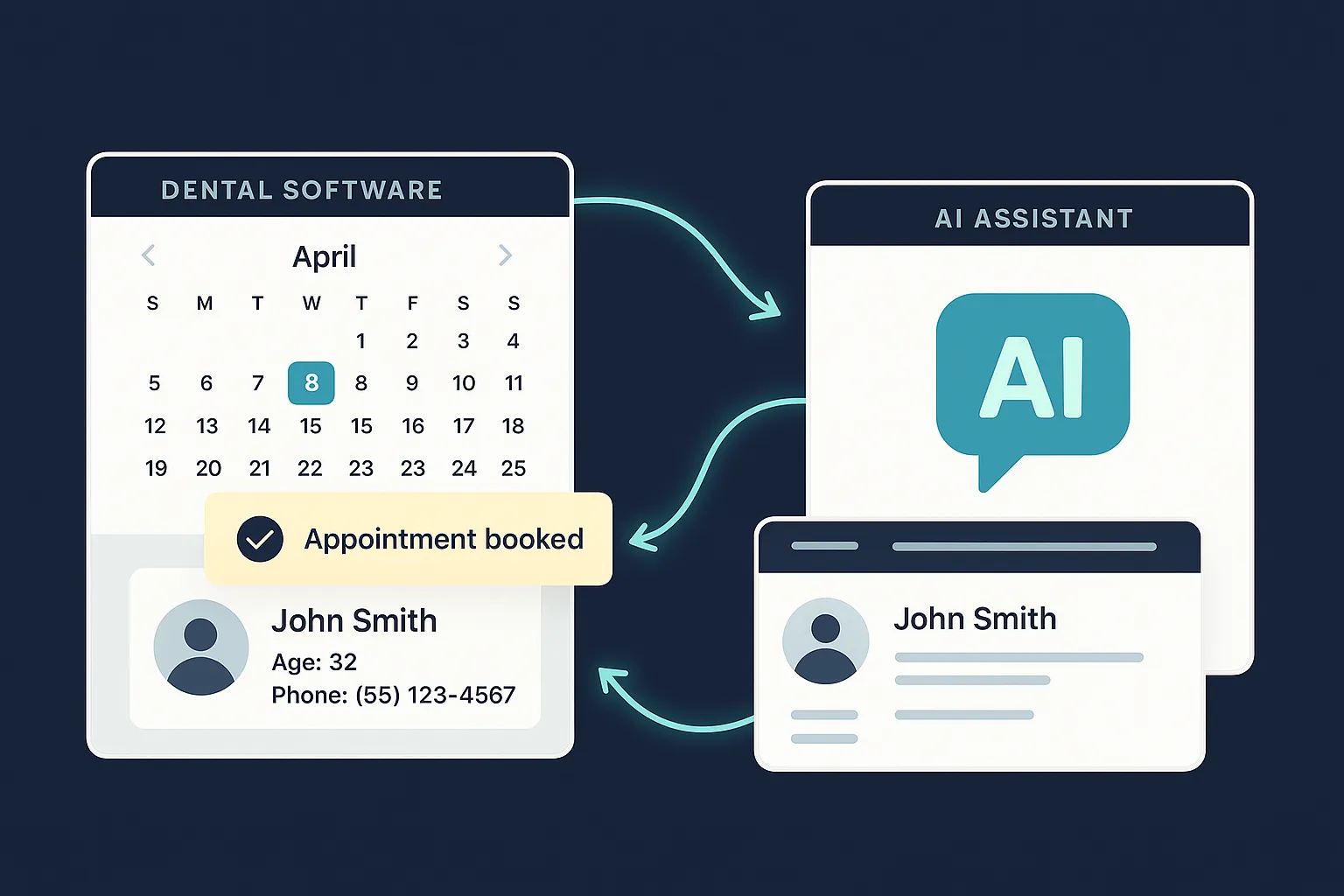
Seamless Integration of AI Answering Service with Your Dental Software
Learn how GetHelpdesk.AI integrates effortlessly with popular dental practice management software, syncing appointments, patient data, and streamlining your workflow.