
The Gap That Nobody Fills
Tuesday, 8:40am. A patient calls to cancel their 10:00 crown prep. Your front desk says no problem, hangs up, and gets pulled into checking in the 8:45.
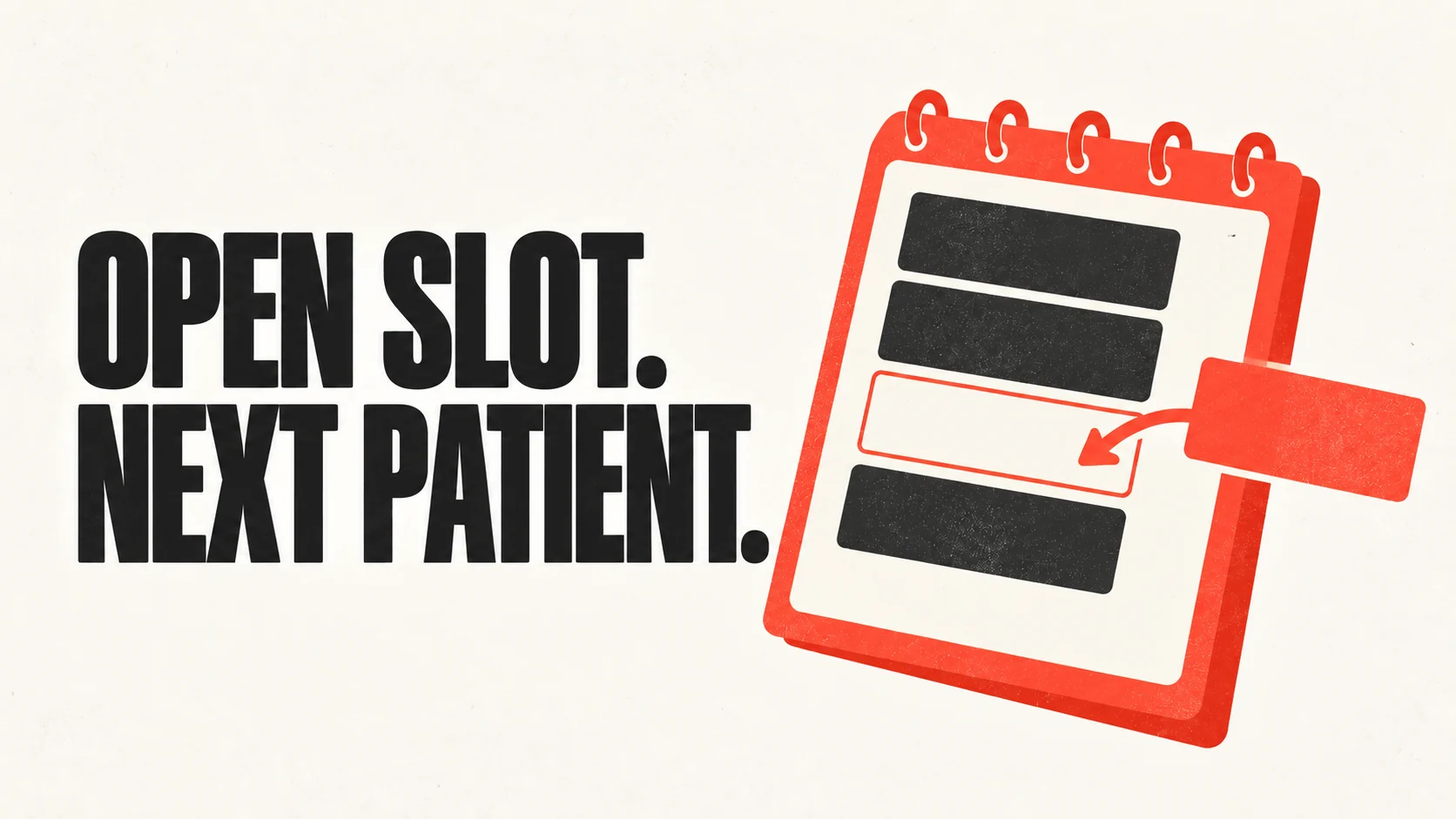
That hour is now gone. Not because nobody wanted it, but because filling it takes fifteen minutes of calling people who mostly will not pick up, and your front desk does not have fifteen free minutes at 8:40 on a Tuesday. By the time someone remembers the gap, it is 9:50.
Most practices have a waitlist. Far fewer have a reliable way to work it. The list lives in a notebook, a sticky note, a spreadsheet, or someone’s memory, and it gets worked when there is a quiet moment, which is exactly when there are no cancellations to fill.
This is a good problem for automation, because it is mechanical, time-sensitive, and nobody enjoys it. But it goes wrong in specific ways, and it is worth understanding those before you turn it on.
Why the Calling Was Never the Hard Part
If the problem were just dialing numbers, a phone tree would have solved it years ago. The difficulty is in the decisions around the dialing.
Who is actually a candidate? A 60-minute crown prep slot cannot be filled by someone who needs a 20-minute hygiene check, unless you are willing to leave 40 minutes empty. Filling the slot with the wrong appointment type can cost you more than leaving it open, especially if the wrong patient then occupies your next available crown slot too.
Who is reachable right now? Someone who said “any time, I am flexible” three weeks ago may be at work. The list is not ranked by who will actually say yes in the next ten minutes.
How many people do you contact at once? Contact one at a time and you burn the hour. Blast twenty and you get four people who all rearranged their morning for a slot that went to the first responder. That is a worse patient experience than not calling at all.
When do you stop? At some point the slot is unfillable and the effort should go elsewhere. A system that keeps texting people about a slot that starts in eleven minutes is annoying everyone for nothing.
Any tool you evaluate should have a real answer for all four. If the demo is just “it texts your waitlist,” it has solved the easy part.
What Good Automation Actually Does
The useful version works roughly like this.
A cancellation happens and the system notices immediately, either because the patient cancelled through the AI or because it saw the change in the schedule. That immediacy is most of the value. An hour of lead time is a different product from ten minutes.
It then filters the waitlist down to people who fit: right appointment type, right provider where that matters, right duration, and any clinical sequencing rules you have set. Someone waiting on a crown seat cannot come in before the lab work is back, and a system that does not know that will embarrass you.
It contacts a small batch, not the whole list, and it contacts them in a way that makes the offer explicit and time-bound. First to confirm gets it. The others get told promptly that it went, which is the part cheap implementations skip.
It writes the booking into your schedule, and it removes that person from the waitlist so they do not get offered the next three slots too.
And it gives up gracefully. If the slot is inside your cutoff, it stops and tells the front desk rather than continuing to chase.
The Failure Modes Worth Asking About
These are the things that make patients unhappy, so ask about each one directly.
Double-booking on race conditions. Two patients confirm within the same few seconds. What happens? The correct answer involves the system holding the slot for the first confirmation and telling the second person honestly. The wrong answer is two people arriving at 10:00.
The zombie waitlist. People stay on the list after they have been seen, moved, or given up. If nothing removes them, your list slowly fills with people who will be annoyed to hear from you. Ask how entries expire and who can clear them.
Contacting people you should not. Patients with outstanding balances you are not seeing, patients mid-complaint, patients who asked not to be texted. There needs to be a suppression mechanism, and it needs to be respected by the automation, not just by your front desk.
Ignoring your own rules. Cancellation policies, short-notice fees, patients who have no-showed twice and are on a deposit-only footing. If the automation cheerfully rebooks a serial no-show into your prime slot, it is working against you.
Notification fatigue. A patient who gets offered six slots in a week and misses all six will stop reading the messages. Ask whether there is a frequency cap per patient.
Set It Up So It Earns Trust
Start narrow. Pick one appointment type, usually hygiene, because the duration is consistent and the sequencing rules are simple. Let it run for a few weeks. Watch what it offers and to whom before you widen it to restorative work where the constraints are real.
Define your cutoff explicitly. Most practices land somewhere between 90 minutes and two hours before the slot, below which chasing is not worth it. Yours depends on how far patients travel.
Decide the batch size deliberately. Two or three at a time is usually right. It fills slots at a decent rate without regularly disappointing people.
Keep a human in the loop for the first month. Have the front desk glance at what went out each day. You will catch the wrong-appointment-type offers and the patient who should have been suppressed, and you will fix the rules before they become a pattern.
Measure Whether It Actually Worked
The vanity metric is slots filled. The number that matters is what changed.
Before you start, write down your current position: how many appointments are cancelled or moved in a typical week, how many of those slots currently go unfilled, and roughly what an unfilled hour costs you by appointment type. It does not need to be precise. It needs to exist, because otherwise every number afterwards sounds impressive.
Then track fill rate, time from cancellation to refill, and how many patients were contacted per slot filled. That last one is your annoyance budget. A system filling slots at twelve contacts each is working, but it is spending patient goodwill to do it.
Also watch no-show rates on automatically filled slots. Someone who agreed to come in at short notice is, on average, a slightly higher no-show risk than someone who booked six weeks out. If that gap is large, tighten your confirmation step.
Key Takeaways
- The value is in speed and filtering, not in dialing. A system that notices a cancellation within seconds and knows who actually fits beats one that texts the whole list an hour later.
- Ask specifically what happens when two patients confirm at once, how waitlist entries expire, and how you suppress patients who should not be contacted.
- Start with one appointment type, usually hygiene, and widen once you trust what it is offering.
- Contact in small batches and tell the people who missed out promptly. That courtesy is what keeps the list usable.
- Record your unfilled-slot rate before you start. Without a before number, the after number is marketing.
See What Your Gaps Are Costing
If your waitlist lives on a sticky note, start by counting how many slots opened up last week and how many got filled. That number usually settles the question.
Talk to GetHelpdesk about your schedule
Related Posts

Can AI Run Reminders, Confirmations and Recall?
Reminders are easy and most practices already have them. Recall is the one that actually moves production, and it is the one almost nobody works properly.
AI Receptionists for Multi-Location DSOs
A tool that works for one practice can quietly break across twelve. Here is what changes at scale, and the questions that separate a real multi-location product from a single-office one with a group discount.

Can AI Collect Dental Insurance Details?
Yes for collecting the card. No for confirming what the plan pays. That line decides whether your claims come back clean, and most vendors will not draw it for you.